Kindle Format 8 Demo Now Available

On Monday I posted about the new Kindle Format 8 and how I was pretty sure that the Kindle Fire could already read it. It looks like I was right.
This morning someone left a comment and confirmed my suspicions. Kindle Format 8 is in beta right now and it is being tested by a select group of publishers.
I’ve checked with Amazon about when it will be released to the rest of us, but I never got a response.
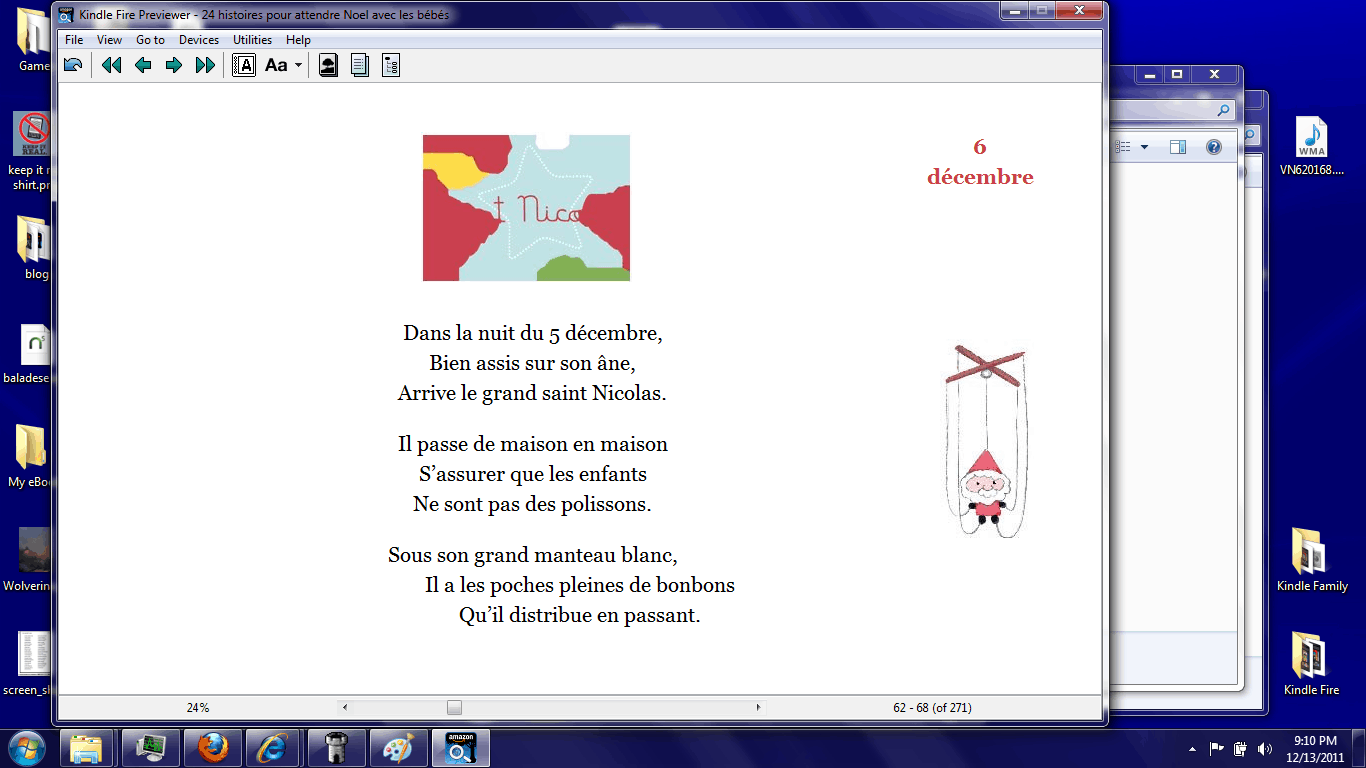
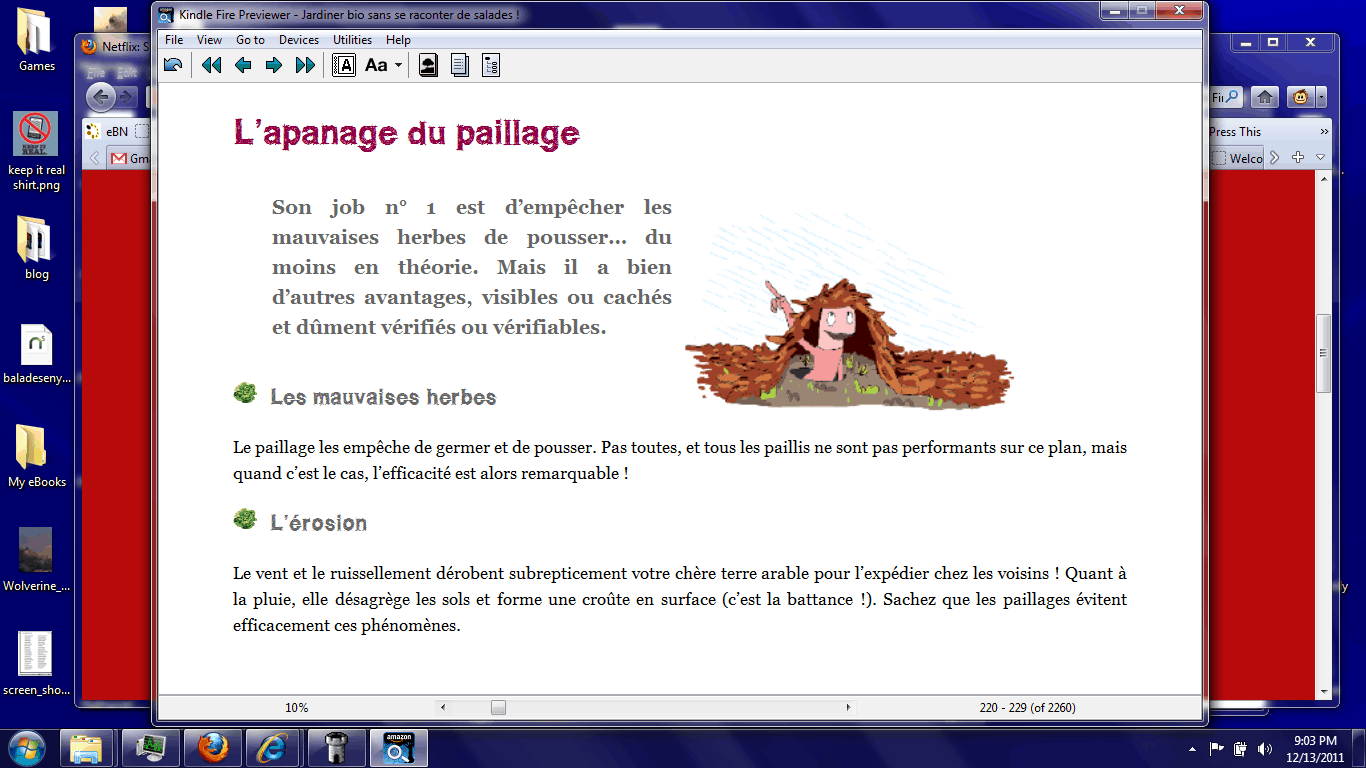
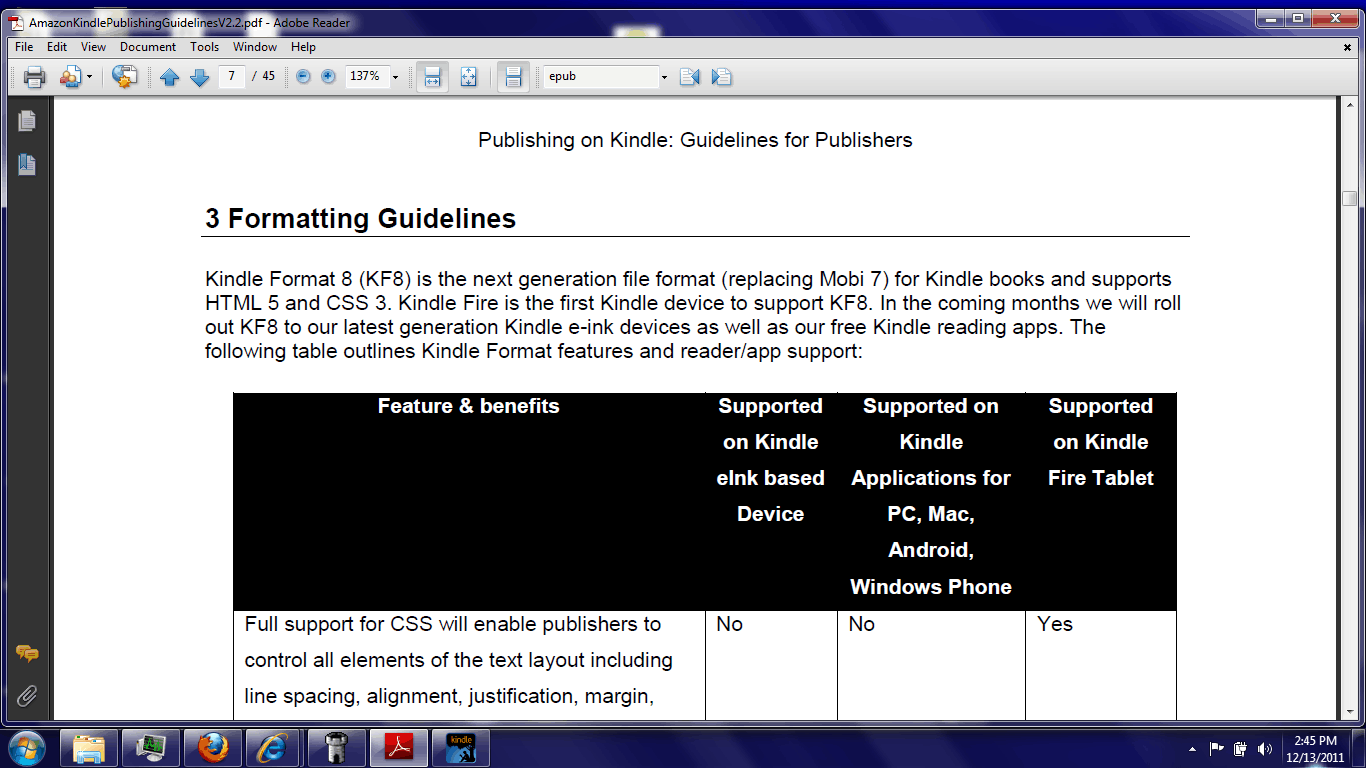
My source pointed me at the guidelines for the new format as well as the tools needed to make KF8 ebooks. While I cannot share the tools, I can share a demo file I made. It only displays correctly on the Kindle Fire, but it does work.
First let me give you the file (because I know that you’re dying to try it). You’ll need to transfer it over USB; I suspect that emailing it to your KF could mangle the formatting.
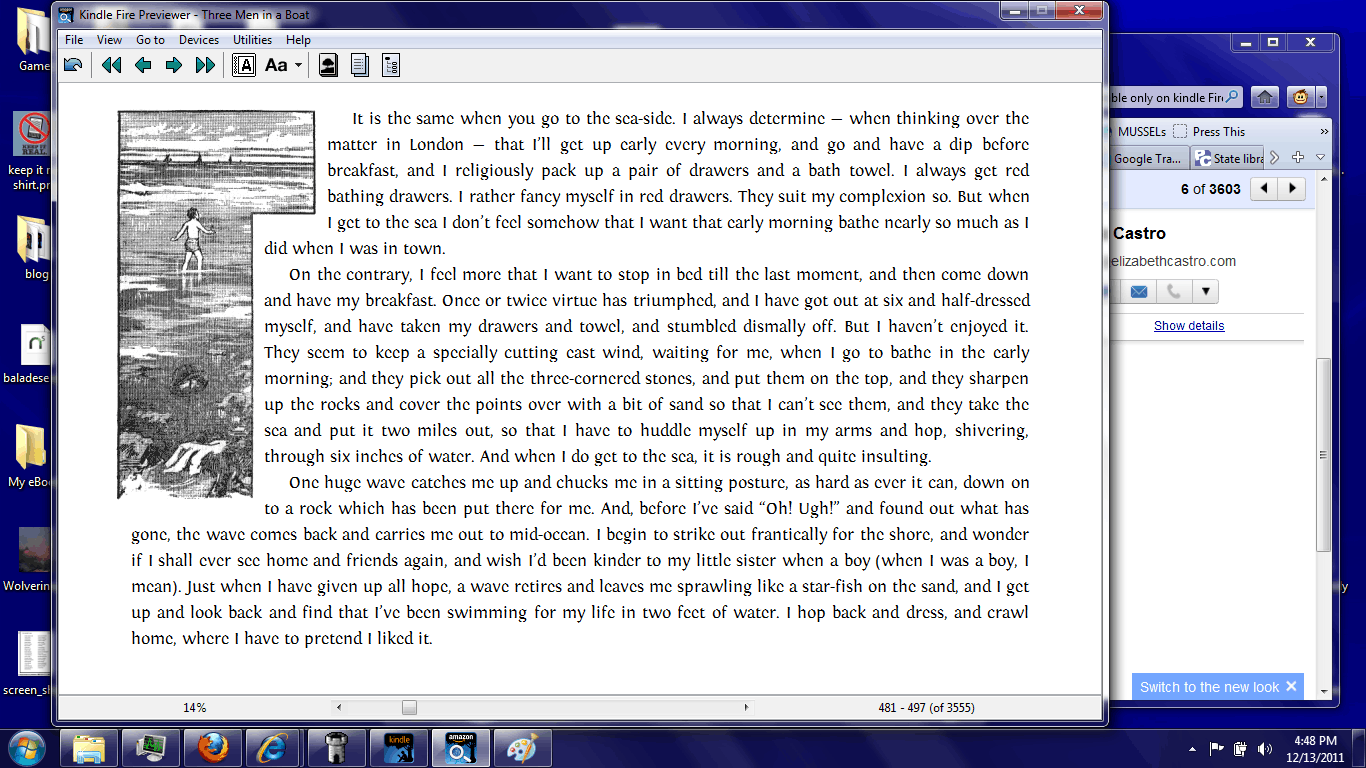
Second Demo (embedded fonts, tables, and more)
It doesn’t demo everything you can do with KF8, but it was made from a 2009 Epub (source) that used a lot of the more advanced formatting features (which at the time you couldn’t do with a Kindle ebook). Note that this is an Epub file, not Epub3; I’m not sure that Epub3 will convert properly.
Sidenote: I’m willing to post any converted files I’m sent so we can all see them.
My source shared a number of details, and I spent most of today reading the guidelines. Amazon is using a fair amount of proprietary tags for some features. For example, the zooming on fixed layout ebooks appear to be all Amazon’s html code, not software features. I was also told that the new format is more of an update to the exiting Kindle Format, not something completely new. From what I can see that certainly appears to be true. There is a high degree of similarity between these guidelines and the previous one.
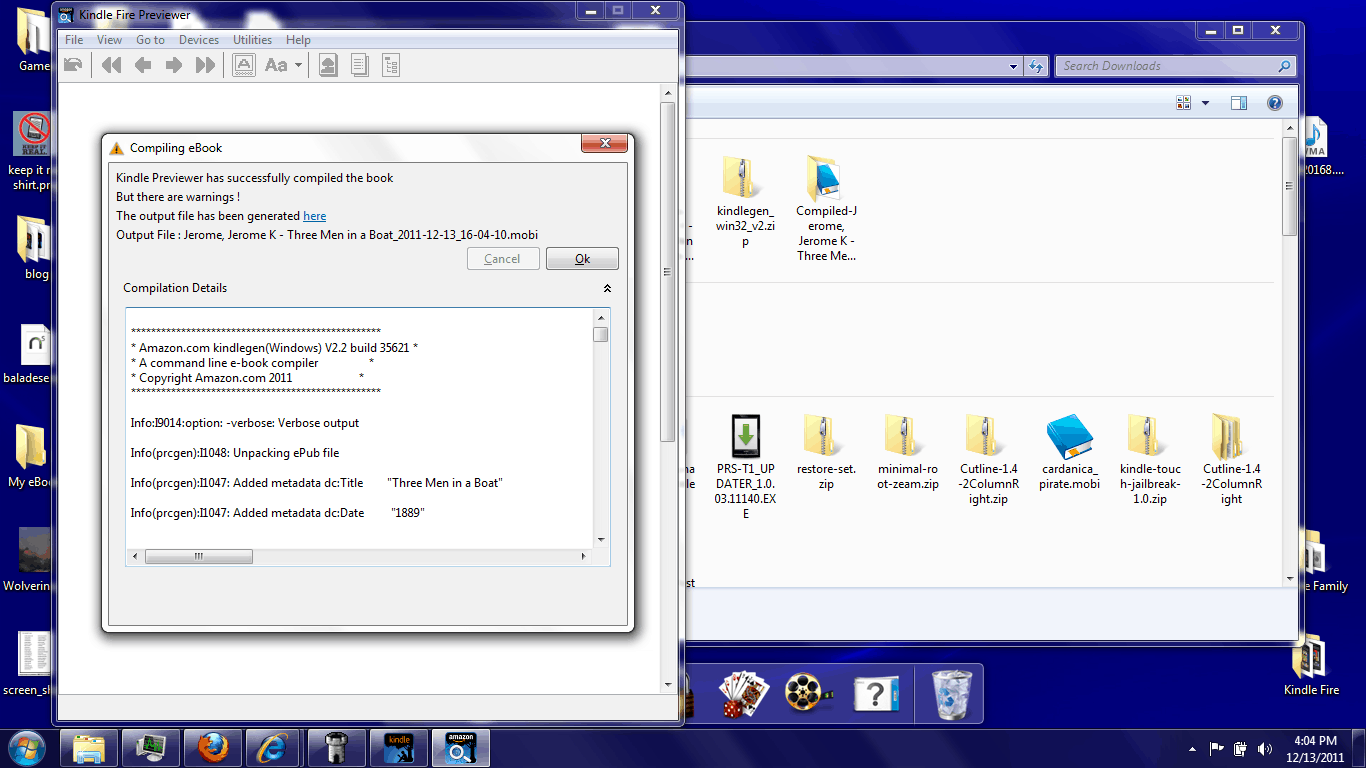
I’ve converted a few Epub files myself, and I was a little surprised how well they transferred over. It looks like Amazon paid a lot of attention to the Epub conversion. I’ve read through the error report and virtually everything came through the way it was supposed to.
But KF8 doesn’t support everything, unfortunately. For example, the audio and video tags used in the iOS apps won’t work on the Kindle Fire (and they are mentioned by name as not working). And there’s no indication of any plans to add them. My source also said that publishers had to modify their Epub files so the table of contents could be converted properly.
I’ve also checked and the guidelines says Javascript is not supported, and neither are some HTML5 tags:
- Canvas
- Command
- Datalist
- Script (reserved for Amazon use only)
- Base
- Form
- Eventsource
- KeyGen
- Input
- Embed (Only SVG is supported for Kindle Fire)
- Object (Only SVG is supported for Kindle Fire)
- Param
- Noscript
On a related note, if you want more KF8 ebooks you can probably go buy them. There’s a bunchaton of graphic novels available exclusively for the Kindle Fire. Those are almost certainly KF8 ebooks. The same might also be true for the KF exclusive magazines (like this one), but I’m not sure.
Now that I’ve had some time to think it over, I’m beginning to get the impression that Kindle format is a response to Epub; it’s not an attempt to match the abilities of Epub3. There’s still plenty of room for Epub3 to get ahead of KF8, including in terms of active content.
But before that can happen we’re going to need devices and apps that support Epub3 as well as tools to make it. Who wants to be that we’ll see KF8 on the market first?
P.S. If anyone has an Epub you’d like me to convert, let me know. I want to see what this format can do.

No Comments