Solving 'Zoom Fatigue': How Vidnoz AI Streamlines Internal Corporate Comms
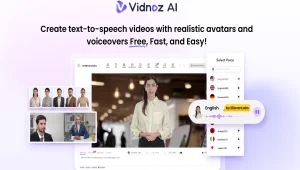
Global and Hybrid working has completely changed business communications, but continuous virtual meetings can make staff feel drained, distracted and unproductive. The pandemic is forcing companies to evaluate how they deliver information internally, because this increasing burden, known as ‘Zoom fatigue’, is driving them to reconsider. Businesses can use AI-powered video communication tools when they need to make changes, updates or trainings without a meeting. Vidnoz AI offers a practical way to create engaging corporate videos from scripts, helping teams deliver information clearly without adding another meeting to employees’ calendars. From company announcements and onboarding to training and team updates, Vidnoz AI can make internal communication faster, more flexible, and easier to consume.
Part 1: What is Vidnoz AI?
Vidnoz AI is an AI-driven video editing software that aims to enable companies and content creators to make high-quality-looking videos without necessarily having to use advanced editing tools. Through this tool, users are able to transform text or scripts into videos with the assistance of AI avatars, realistic voiceovers, customizable templates, and multilingual options. It is also equipped with an user-friendly online video editor enabling its users to customize scenes, add images, background music, subtitles, animations, etc. Among the most prominent characteristics of this tool is the certification under ISO/IEC 27001:2022, proving their zeal in terms of information security management and safeguarding of organizational data.
Part 2: How Vidnoz AI Helps Reduce Zoom Fatigue
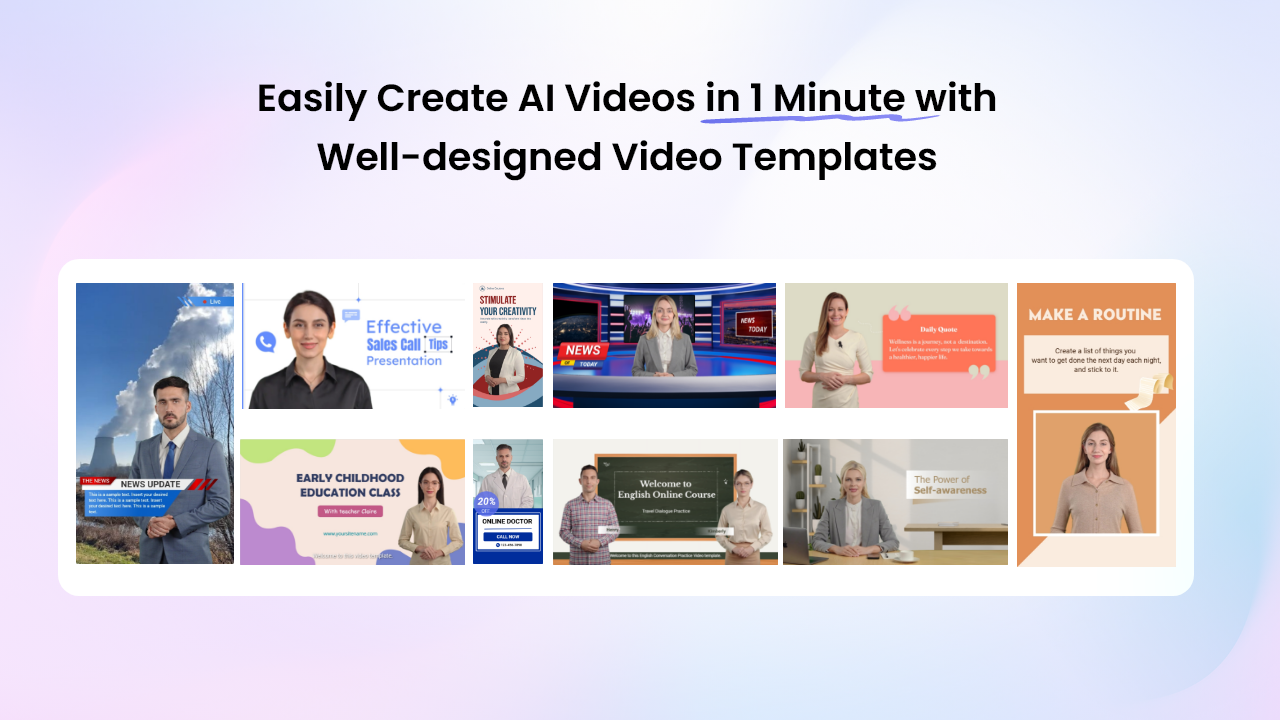
The program offers impressive sets of features that can help businesses reduce their dependence on unnecessary video meetings. Here are the top features of this program:
- Customizable Video Templates: Vidnoz AI offers 2800+ video templates, allowing users to create various types of videos, such as employee announcements, training materials, onboarding videos, business presentations, company updates, and internal tutorials. Plus, users can add their company logo, brand elements, text, images, music, and subtitles.
- Lifelike AI Avatars: The program includes 1900+ AI avatars, each from different industries and roles. It includes avatars of doctors, nurses, teachers, students, trainers, and more. Plus, users can create digital twins using Avatar Lite, and Avatar Pro offers deeper customization features. The Expressive Avatar features add natural features to avatars, such as facial expressions and more.
- Natural-Sounding AI Voices: One of the best parts of Vidnoz AI is that it provides 2000+ AI voices in different accents and styles. All voices available on this program are powered by ElevenLabs, Google, and Microsoft. In addition, multilingual voice options can further help organizations communicate effectively with employees across different regions and language preferences.
- Free Version: Vidnoz AI offers a free version, allowing companies to create high-quality videos without spending a single penny. The free version includes 30 free credits and powerful AI tools, such as Text-to-Video, Image-to-Video, AI Video Enhancer, Online Video Editor, Customizable Templates, Natural-Sounding Voices, and more.
- AI Video Wizard: The program enables users to create engaging videos with a simple text prompt or any source material. Simply enter the text prompt, choose the AI avatar, template, and voice, and click on the “Generate” button. Within seconds, your AI video will be ready.
Part 3: How to Create Internal Communication Videos With Vidnoz AI
Creating internal communication videos with Vidnoz AI Video Generator is a straightforward process, even for users without professional video-editing experience. Here’s how to do it:
- Open your web browser and go to the Vidnoz AI official site. Click on the “Create Free Video Now” button. Choose the Video Template and AI Avatar.
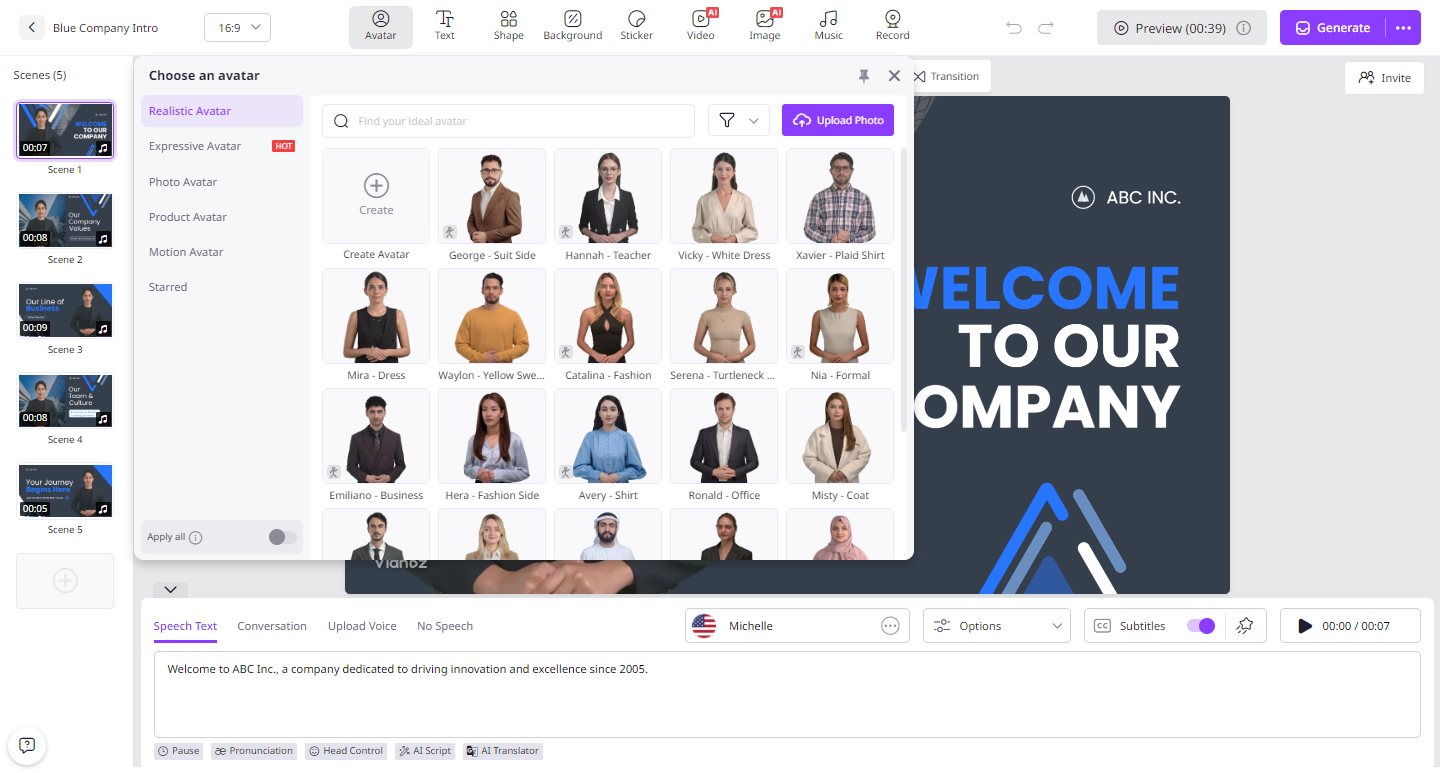
- Now, enter the video script or upload any source material. Select the desired AI voice and language. The program offers 140+ languages, including English, Chinese, and Spanish.
- Next, use the Online Video Editor to customize the AI video according to your requirements. Users can change the background, insert text, add music, and more.
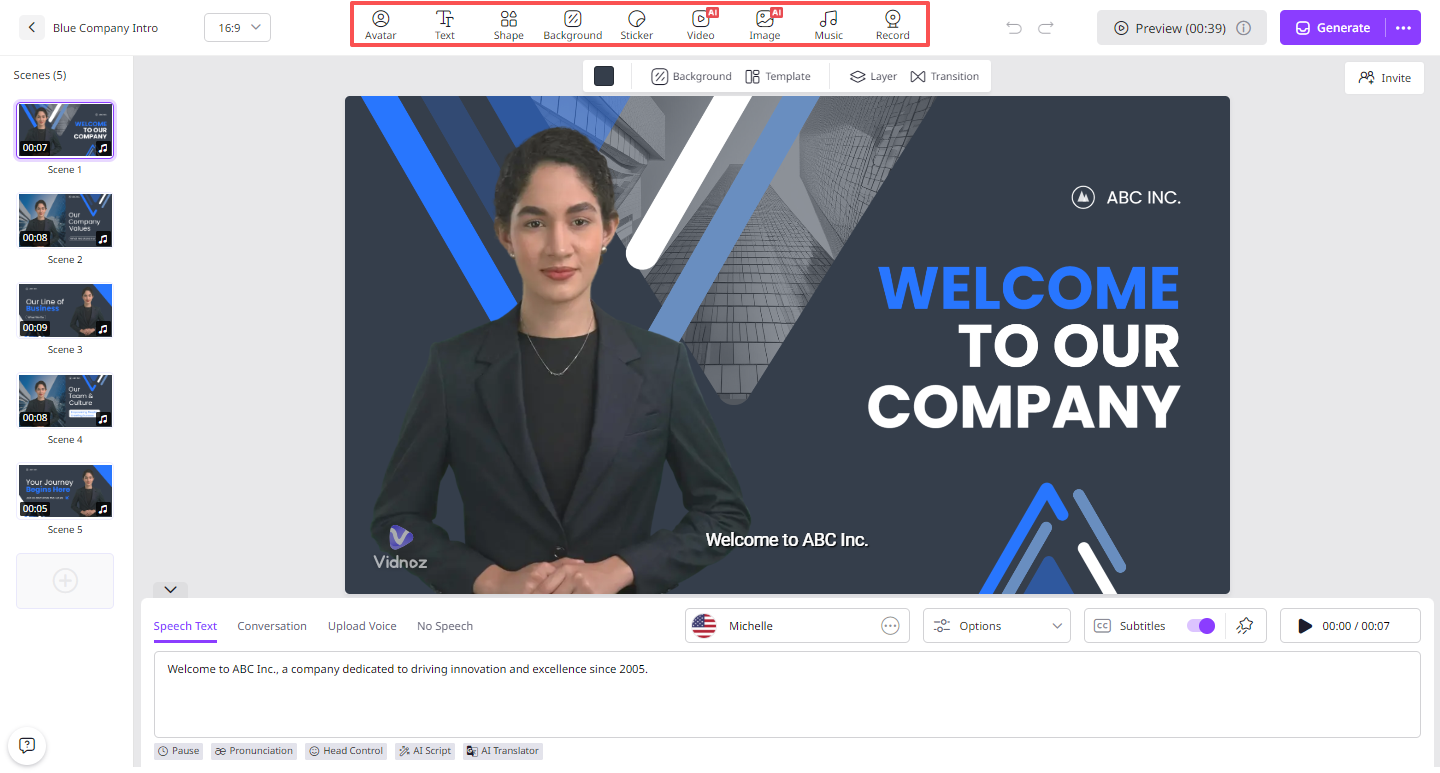
- Finally, click on the “Generate” button to begin the video creation process. Within seconds, your AI video will be ready. Preview the results and click on the “Download” button to save the video in MP4 format.
FAQs
Can Vidnoz AI replace corporate meetings?
Yes, Vidnoz AI can replace corporate meetings, particularly those focused on routine announcements, employee updates, training, onboarding, and information sharing.
Does Vidnoz AI support multiple languages?
Yes, Vidnoz AI supports 140+ languages, allowing users to create videos for worldwide audiences. The program supports languages such as English, Chinese, Turkish, Italian, Spanish, French, and more.
Can Vidnoz AI create internal training videos?
Yes. Businesses can use Vidnoz AI to transform training scripts into videos featuring AI avatars, voiceovers, and more. This makes it easier to create reusable training materials for employees.
Final Thoughts
Zoom fatigue has become a growing challenge for companies that rely heavily on virtual meetings for everyday communication. Vidnoz AI offers a practical way to reduce unnecessary meetings by transforming routine announcements, training materials, and employee updates into engaging videos.