Viwoods V3.16 Update Brings New Features and Performance Improvements
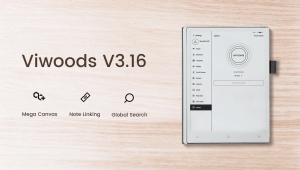
Mega Canvas gives handwritten notes more room. Note linking connects related notes, while global search helps you find saved content. V3.16 also improves reading, daily planning and cloud file management.
Viwoods on Amazon | Viwoods official website
Find your notes faster
Global search. Search across apps for handwriting, text, note names, recognised image content and tags. Supported content varies by app. In Paper, clearer match markers take you to the relevant part of a note, including handwriting on Mega Canvas.
Global tags. Group related material under a project or subject tag. Tags now work in Learning and Knowledge Base too. Paper and Meeting let you reorder them, while Learning adds book tagging and tag-based search.
Give a growing idea more room
Paper’s new Mega Canvas extends your writing space as a note grows. Keep adding branches to a mind map or make room for another diagram. Handwriting stays clear as you zoom in and out.
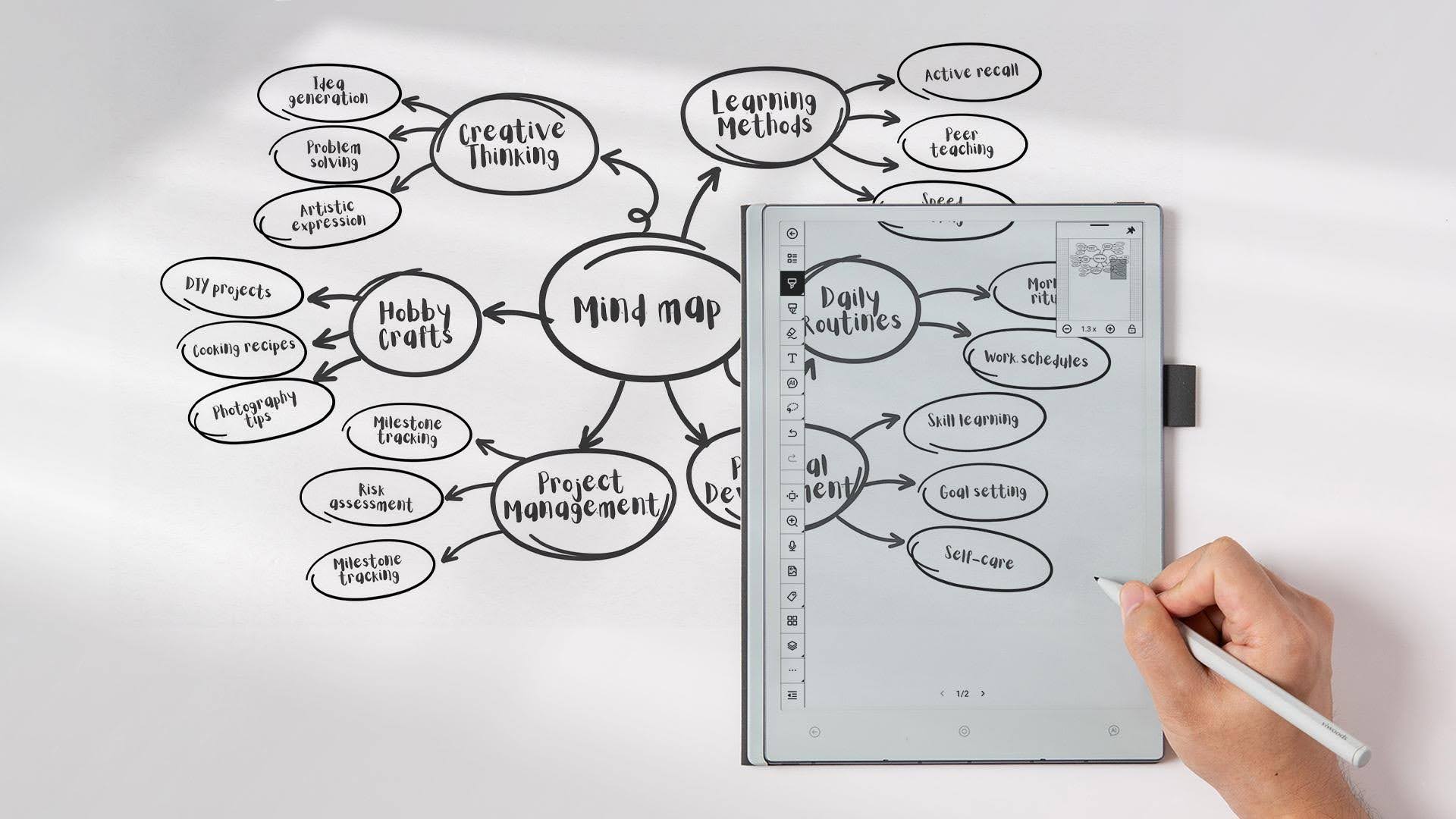
Mega Canvas keeps a growing idea in one writing space.
Connect the notes behind the idea
Note linking lets a project overview lead to the meeting notes that explain a decision. You can keep each note focused and still return to the supporting detail quickly.
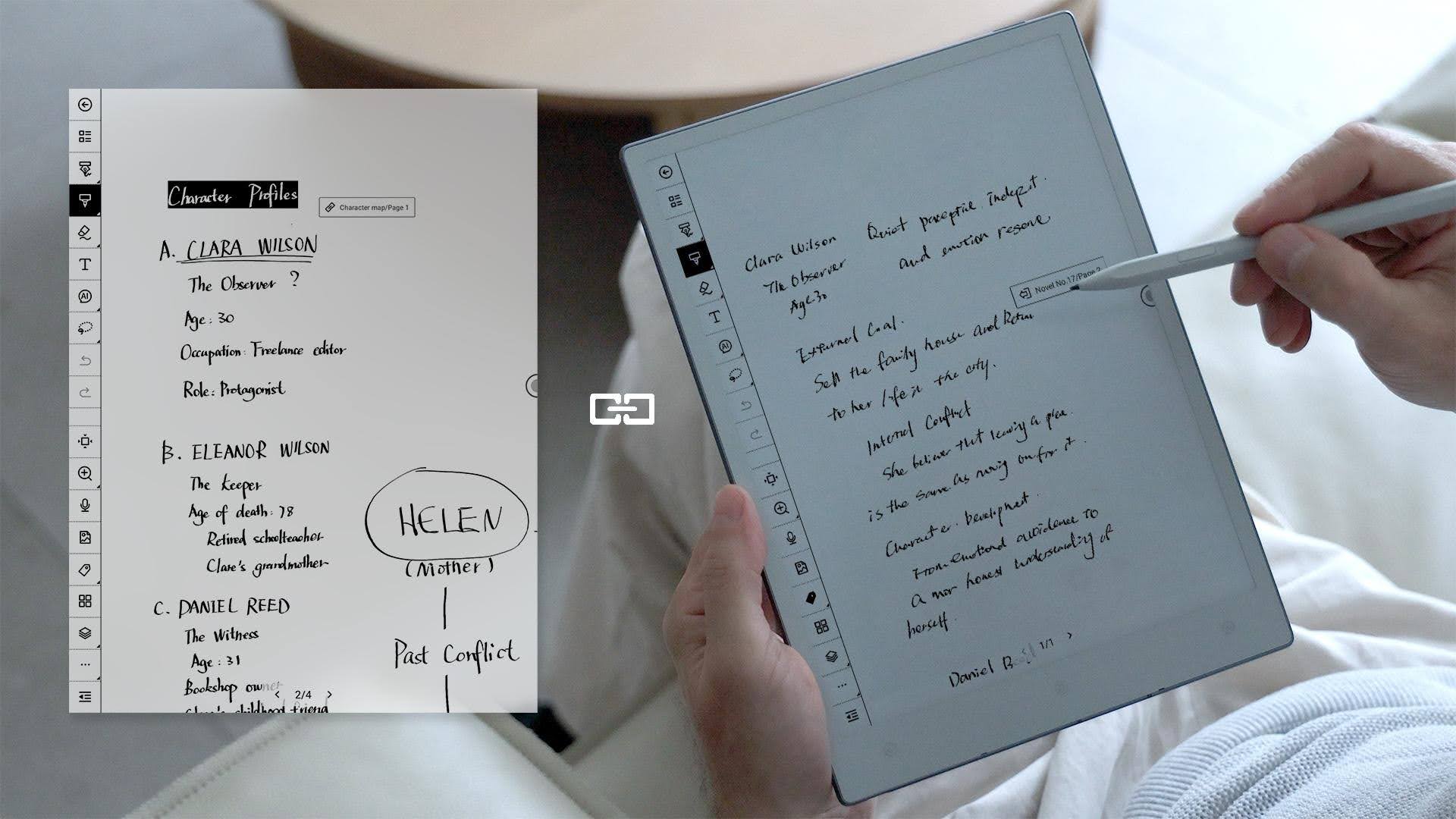
Link a main note to the detail you want to revisit.
More control in Paper. Move the toolbar to any screen edge, remove covers, and paste, crop or rotate clipboard images. Layers can show associated images, text and handwriting.
Keep your thoughts beside the passage
Learning now lets you attach a blank-page note to highlighted content. Explain a passage in your own words, sketch a diagram or leave a question. Your thinking stays connected to the text that prompted it.
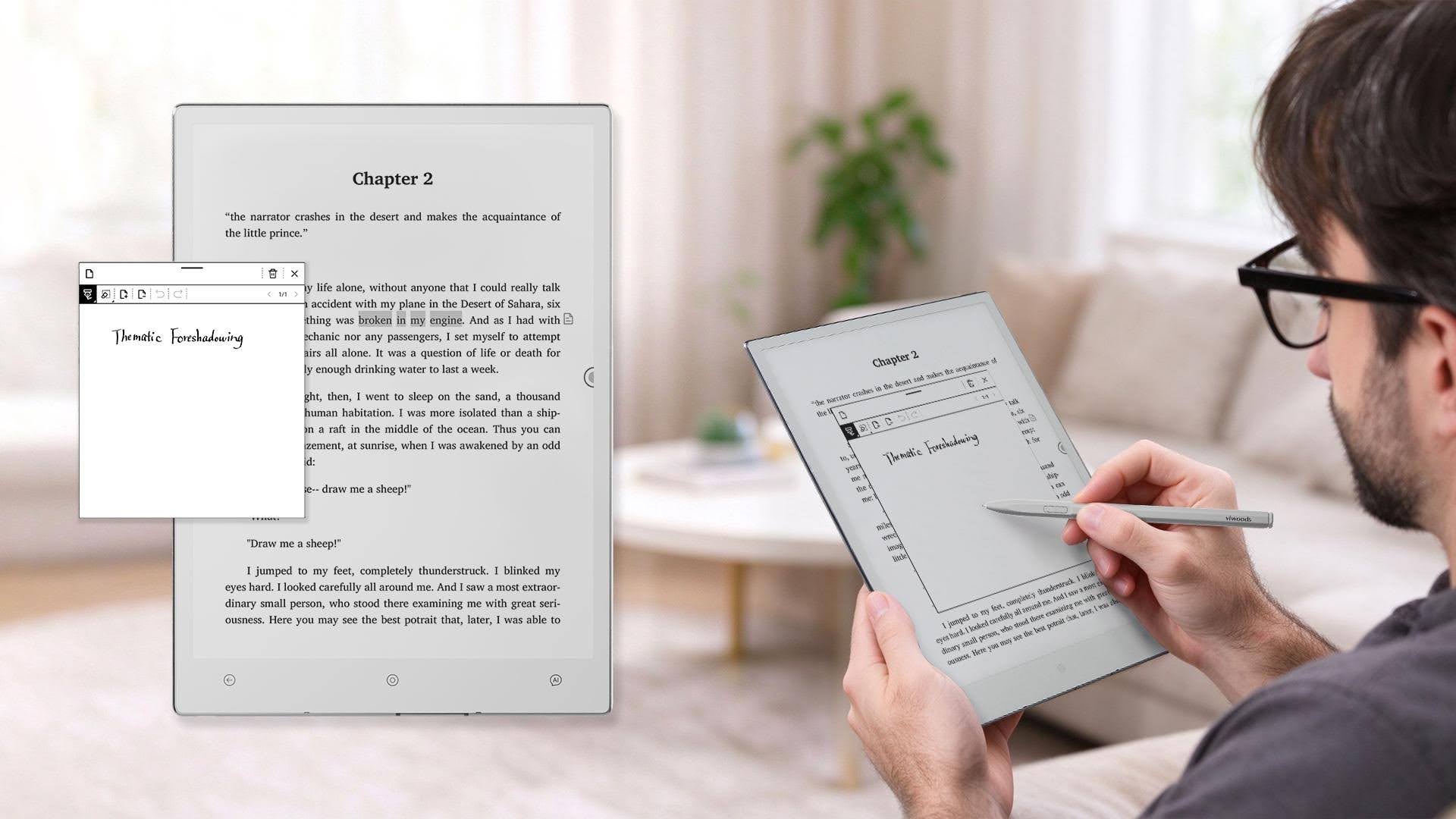
Add your own explanation to a highlighted passage.
See more of the page
Automatic PDF margin cropping removes unnecessary blank space. Smaller EPUB margins also give more screen space to the text, and full-screen reading is now the default.
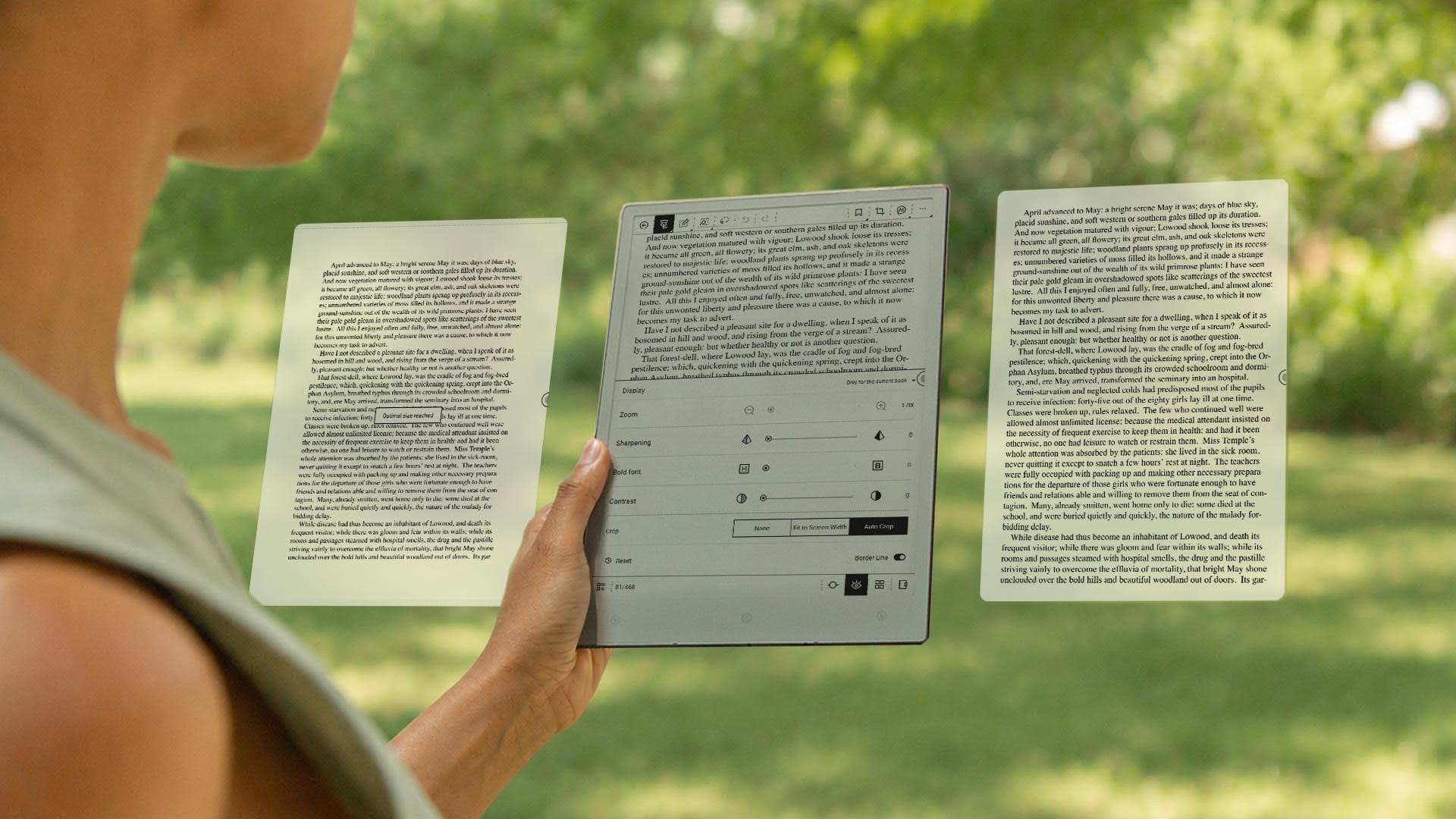
Automatic cropping reduces blank margins around a PDF page.
New lasso selection and clipping tools help you capture a specific detail. Rich-text layout and rendering have also improved for EPUB and other supported formats.
Read in the layout that suits you
EPUB landscape reading offers another way to arrange the page. Choose the orientation that feels comfortable for your reading session.
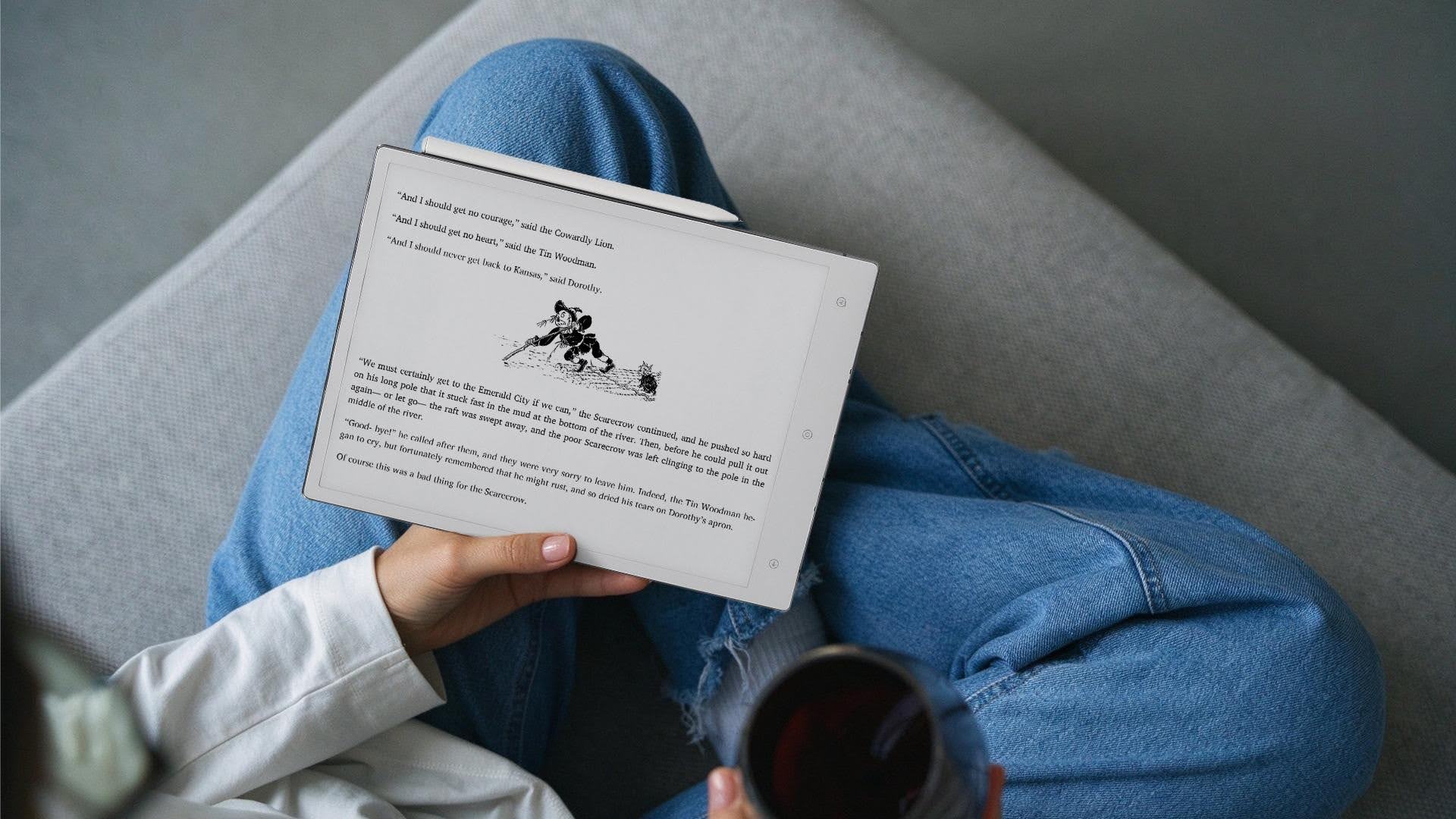
EPUB reading now supports landscape orientation.
Keep the details with the task
Daily now lets you add handwritten or text notes to a To-Do. “Prepare the proposal” can include the budget assumption to check or a question from a meeting. The next time you open the task, the context is there.
Erase and edit handwritten To-Dos, then use automatic or manual migration as plans change. You can also create, edit or delete tasks and add text notes on the web and on mobile.
A clearer daily view. Logs now uses a flat layout and includes Memo and third-party app usage. Tasks and Notes offer larger handwriting previews with tap and gesture navigation. Event times support 12-hour or 24-hour display, and the To-Do list and priority icons have been refined.
Organise files from your browser
Viwoods Cloud Web adds folder creation and tools to move, rename, encrypt, favourite and delete content. These join the existing import, preview and download functions, so you can organise files at your computer and update Daily tasks there too.
More backup options. Back up device notes to compatible services such as Nextcloud, ownCloud and Nutstore through WebDAV.
Reuse what you have already captured
Copy lasso-selected handwriting, text and images across apps. Rich-text pasting supports tables, formatted content, and mathematical and physics formulas.
Knowledge Base brings clipping and annotation together in the floating ball and adds three customisable buttons. You can copy and paste images while annotating, including copying images from VisualNotes.
Small changes for everyday use
Writing and shortcuts. Memo adds a left-handed mode and lets you start a new Memo from a handwriting page. Customise the home screen’s left app bar, add frequent apps to the floating ball, or change what the physical AI button does.
Language and display. Choose from 13 additional system languages and use custom fonts. Set handwriting and image recognition languages independently; both follow the system language by default.
Pen and lock screen. Calibrate the pen for your holding angle to help reduce stroke offset. A new switch lets you choose whether Daily To-Dos appear on the lock screen.
Apps and system. The App Store adds Notes and Viwoods categories, with individual updates for Viwoods apps. The release includes adaptations for Obsidian, Zotero, Notion and Kindle, formula support in AI tools, updated AI model options, and improvements to workflows, stability and responsiveness.
Try V3.16
With more room to develop an idea and easier access to related notes, V3.16 helps you pick up your work with the context close at hand.
Check for the update in Settings to see the version available to your device. Once you have tried V3.16, let us know which change helps you most and what you would like us to improve next.