Review: Amazon Kindle Touch (K5)

Amazon surprised us all back in September when they announced not just the Kindle Fire but 2 ereaders as well.
The K5 looks like it is going to be Amazon’s premium ereader from here on out. It ships with the latest Pearl E-ink screen and a touchscreen based on Neonode’s infrared technology. It doesn’t have a card slot, so you’re limited to just the 3GB or so of onboard storage (as well as the 5GB available online in the Kindle Cloud).
Update: I just got sniped at in the comments because I’m calling this Kindle the K5. Well, it’s running Kindle OS5, while the K4 (or Kindle basic) is running Kindle OS4. That is a valid reason to call it the K5, IMO.
It comes with most of the latest software features, but it lacks the language support found on the K4 and it also lacks the ability browse the web over the 3G connection. That 3G web browsing is only available on earlier Kindle models like the K3, Kindle DX, K2, and so on.
Pros
- Improved PDF app
- Games
- responsive touchscreen
- A marked lack of bugs for a first gen device
Cons
- Web browser issues
- Feature tradeoffs
Hardware
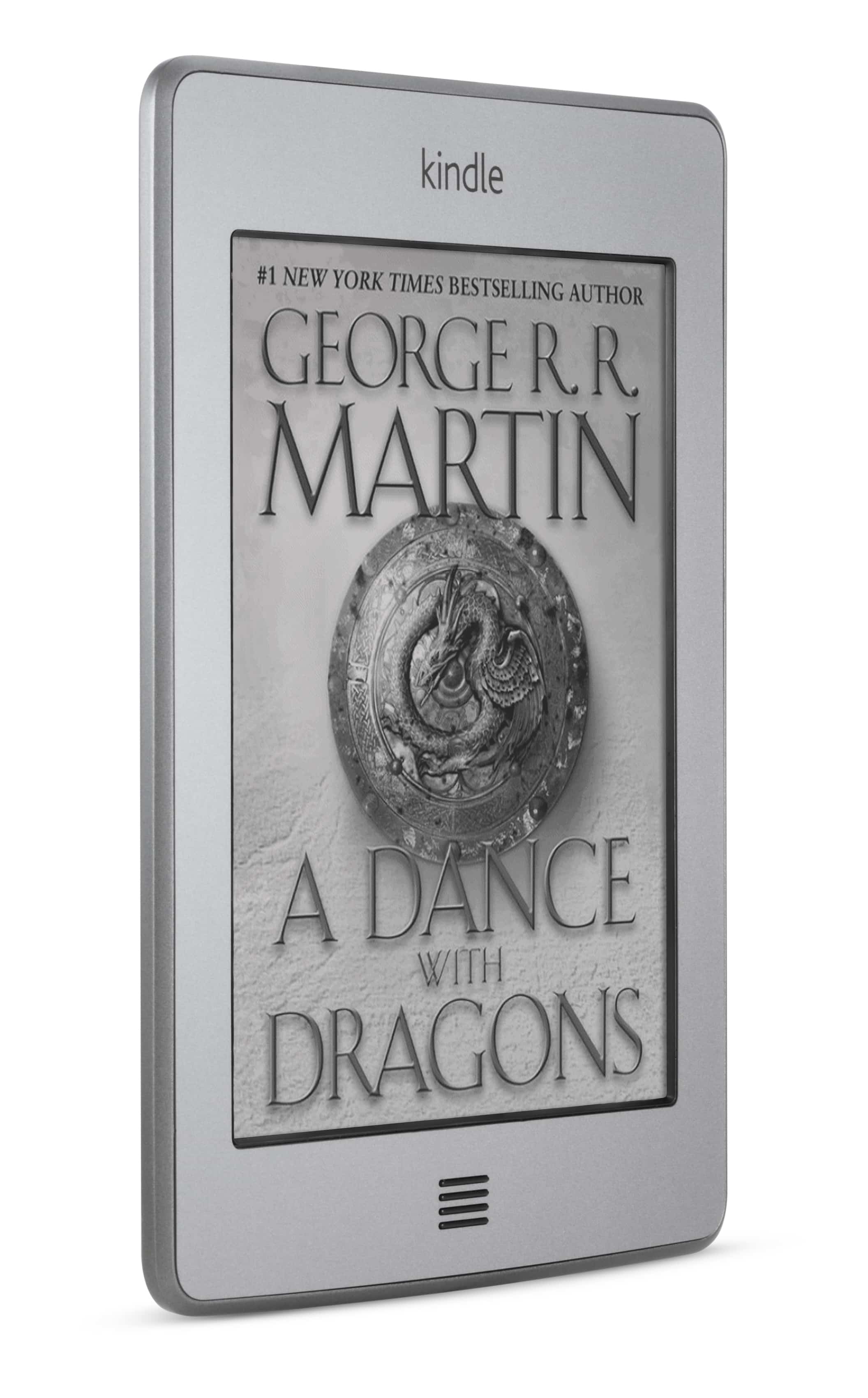
At first glance Amazon 5th 6″ ereader is a rather hefty alternative to the basic K4. But while it is heavier than a number of other ereaders on the market it is also fractionally lighter than its predecessor, the K3 (according to Amazon’s specs).
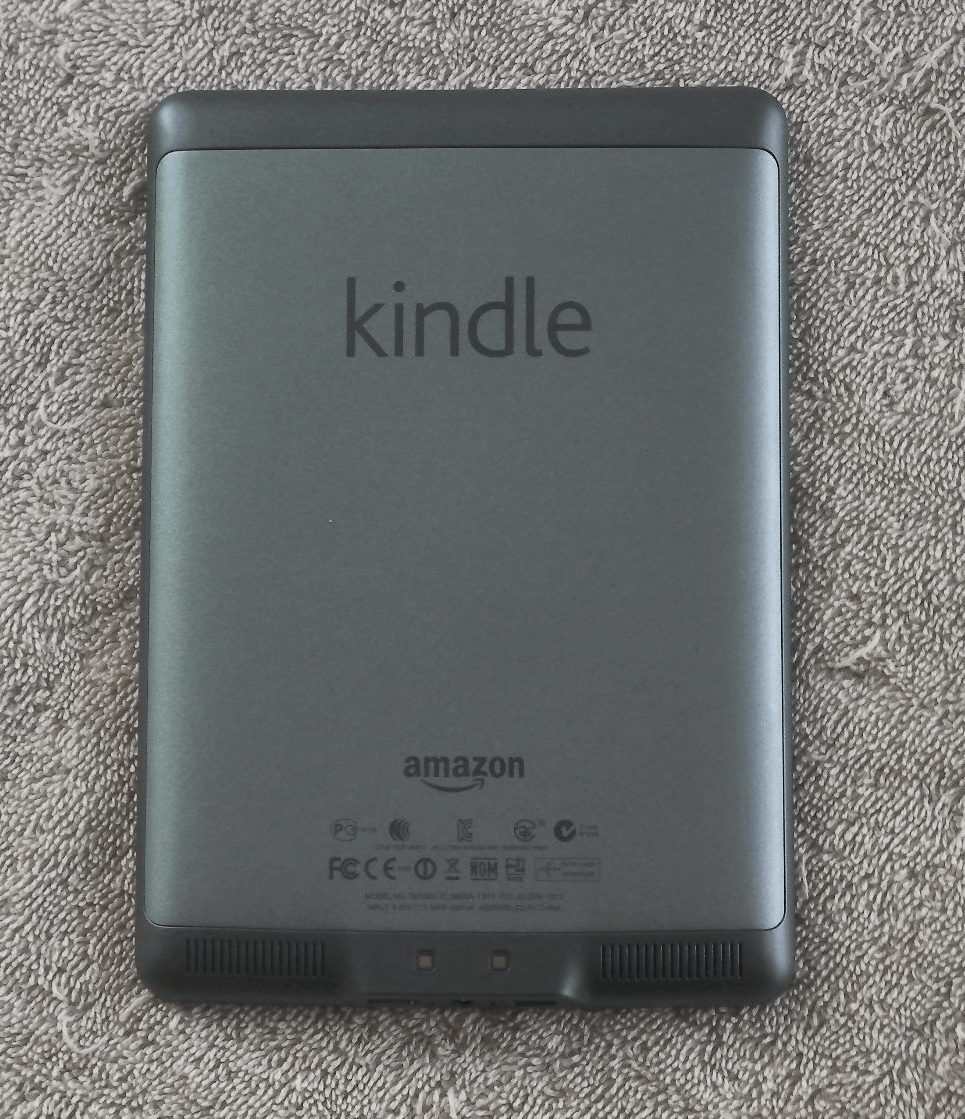
It has a wide bezel around the screen with just the one button below. The back is nicely curved, with 2 speakers on the lower edge. On the bottom edge is the USB, power button, and headphone jack.
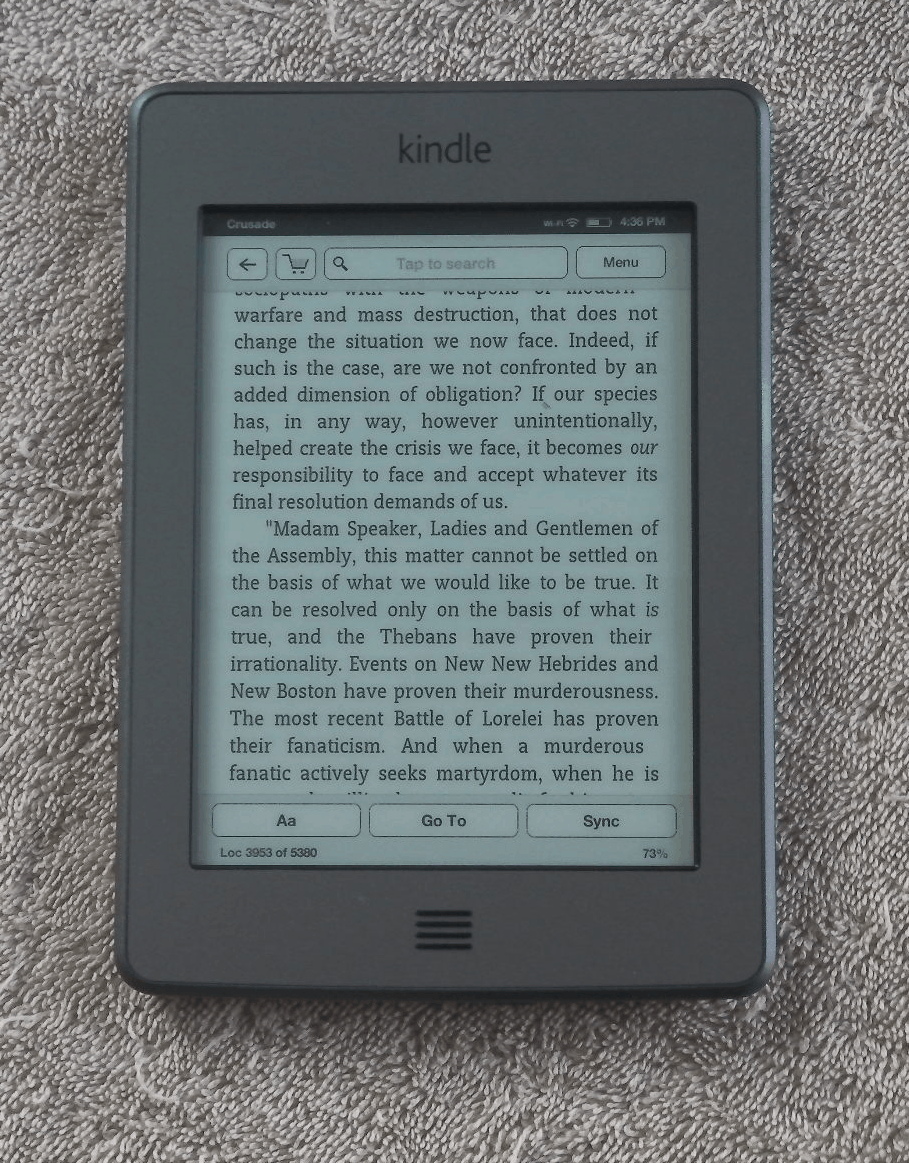
I found the K5 easy to use with either hand. The touchscreen is divided so that a strip on the left side goes back, a strip at the top opens the menu, and tapping on the rest of the screen will turn the page. While I’ve heard some complaints about the K5 not being a one handed ereader, I don’t see what the issue is. Yes, certain activities like looking up a word or navigating a menu works better with both hands, I can still read one handed.
Menus & Navigation
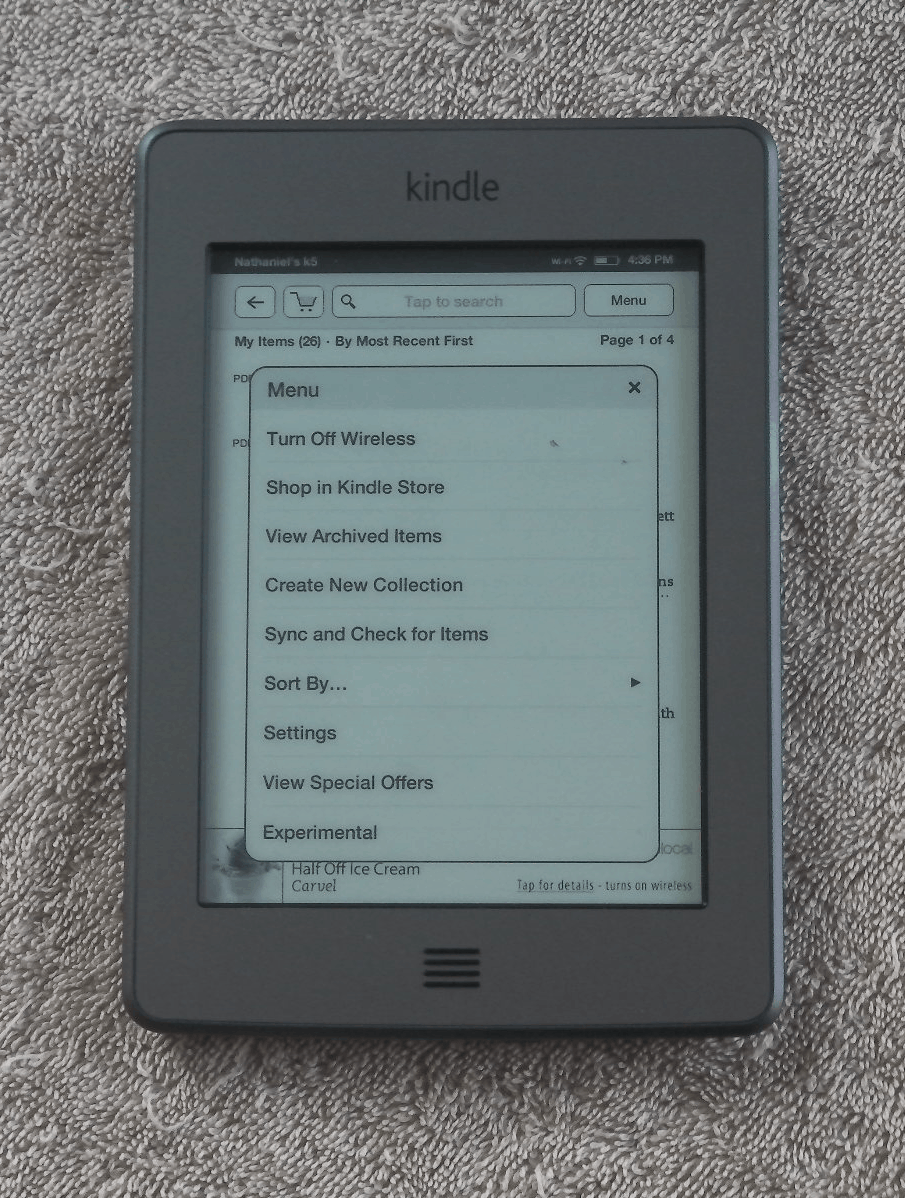
The K5 features new menus that were designed for the touchscreen, but the design is confusing and takes some time to understand. For example, I kept clicking on the home button because I thought it would open a menu while in an ebook. I know it’s a home button, yes, but I was instinctively thinking of it as a menu button.
And I’ve heard one or 2 complaints about the page turns. Like I described above, Amazon divided the screen so most of it is reserved for the next page button. But the only reason I knew that is because I was careful to ay attention during setup. If you don’t notice the instructions then it would be easy to be frustrated by the odd behavior.
Reading
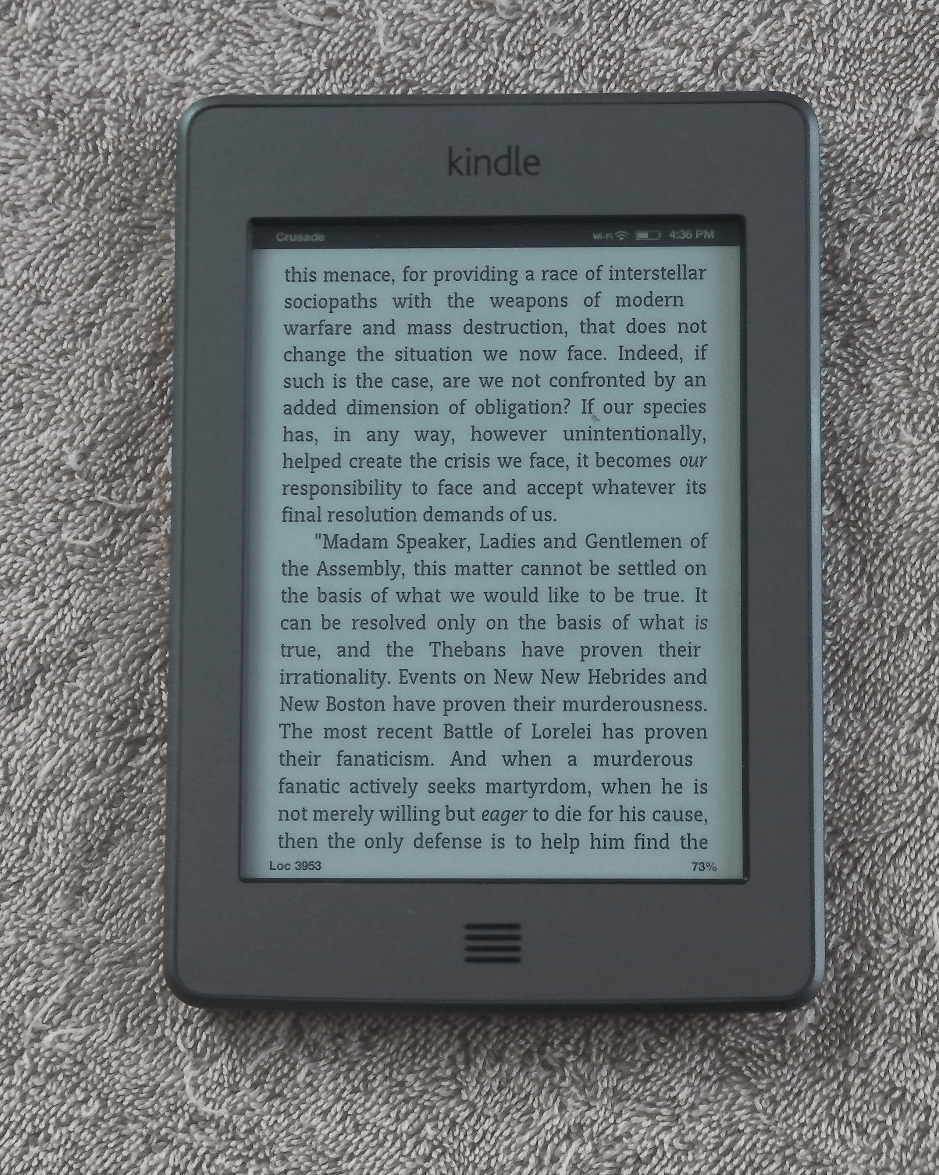
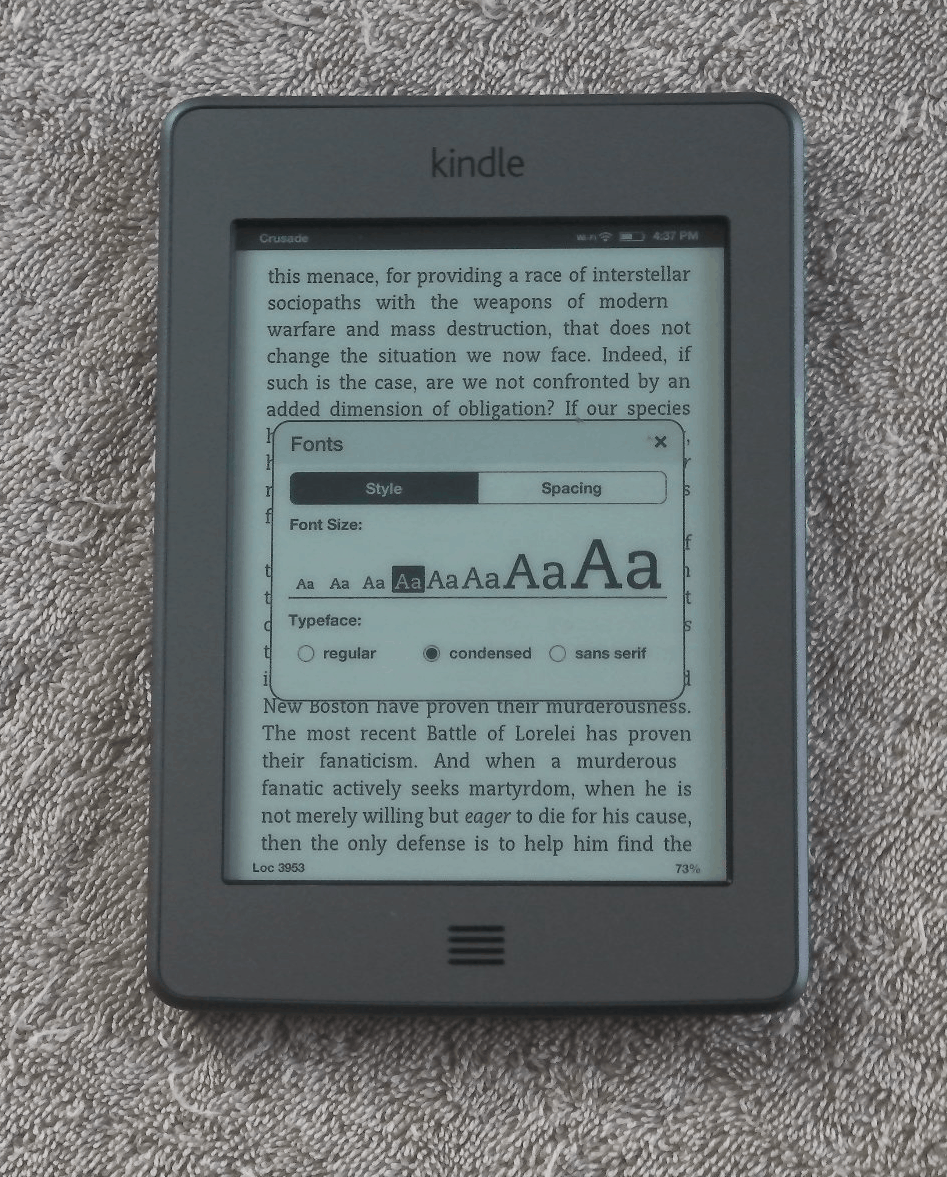
Aside from the new menus, I believe the K5 is using the same reading app as the K3. It has the same 8 font sizes and 3 font faces, as well as the same options for words per line and line spacing. It also has the same PDF and text to speech support. It has the same annotation options, only instead of typing notes on a physical keyboard the K5 has an onscreen KB. I thought it worked pretty well. I almost never hit the wrong key and the K5 always kept up with my typing speed.
You can search for a word either in the dictionary, Wikipedia, or Google by tapping and holding on the word onscreen. The K5 can also show you the popular highlights and let you share excerpts via Twitter or Facebook. But before you can share you’ll need to crosslink your accounts.
Update: No it does not.
The K5 also has a new feature called Xray. This offers background material on books sold by Amazon, and the content is pulled from the user generated articles on Shelfari. It’s quite fascinating, but not much use for me. Most of my ebooks are from elsewhere.
The K5 appears to be using a new PDF app, and it works well. It uses the same page turn options as the other reading app, which is good. And the zoom settings are gone; you now use the touchscreen to pinch zoom and scroll around the page. You can also use the touchscreen to highlight and add notes.
The PDF app is awesome, actually. You’re still reading on a 6″ screen and there’s no reflow mode, but the PDF is one of the high points for the K5.
Web Browser
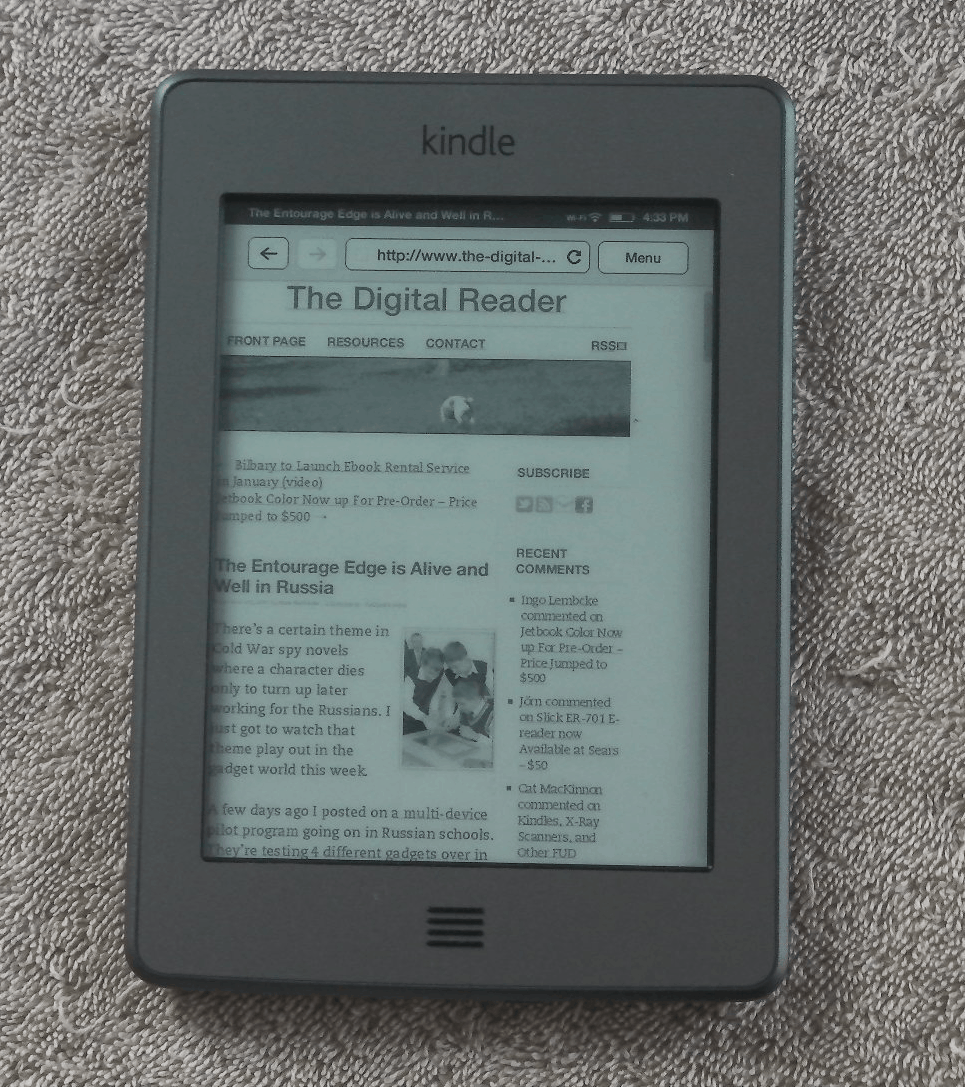
The K5 web browser lacks the zoom settings found on the K4 and K3, but it replaces them with a pinch zoom. That’s nice, but it’s off set by several other issues.
I don’t think it’s using quite the same web browser, and I don’t like the changes. The browser is set to always crop the left margin, no matter the zoom setting. This means the text is close to the left edge of the screen. The left margin is far too narrow to be read comfortably on some websites, and there is no way to zoom out and make the margin a little wider. But the web browser did keep the article mode found in the earlier browsers (a viewing option that lets you reflow the text so it can be read comfortably). This means that the browser is not a complete loss. You can still read web pages; it’s just not terribly convenient.
I’ve also had trouble loading a number of the bookmarked websites (BBC, Yahoo). I know my connection is fast enough, so I have to wonder if the K5 just isn’t up to the task. And I have to say that the K5 is rather slow to respond to swipes and zooming. This is probably just a software issue, but Amazon really needs to speed this . The K5 is noticeably slower to respond than my Sony Reader Wifi.
Games
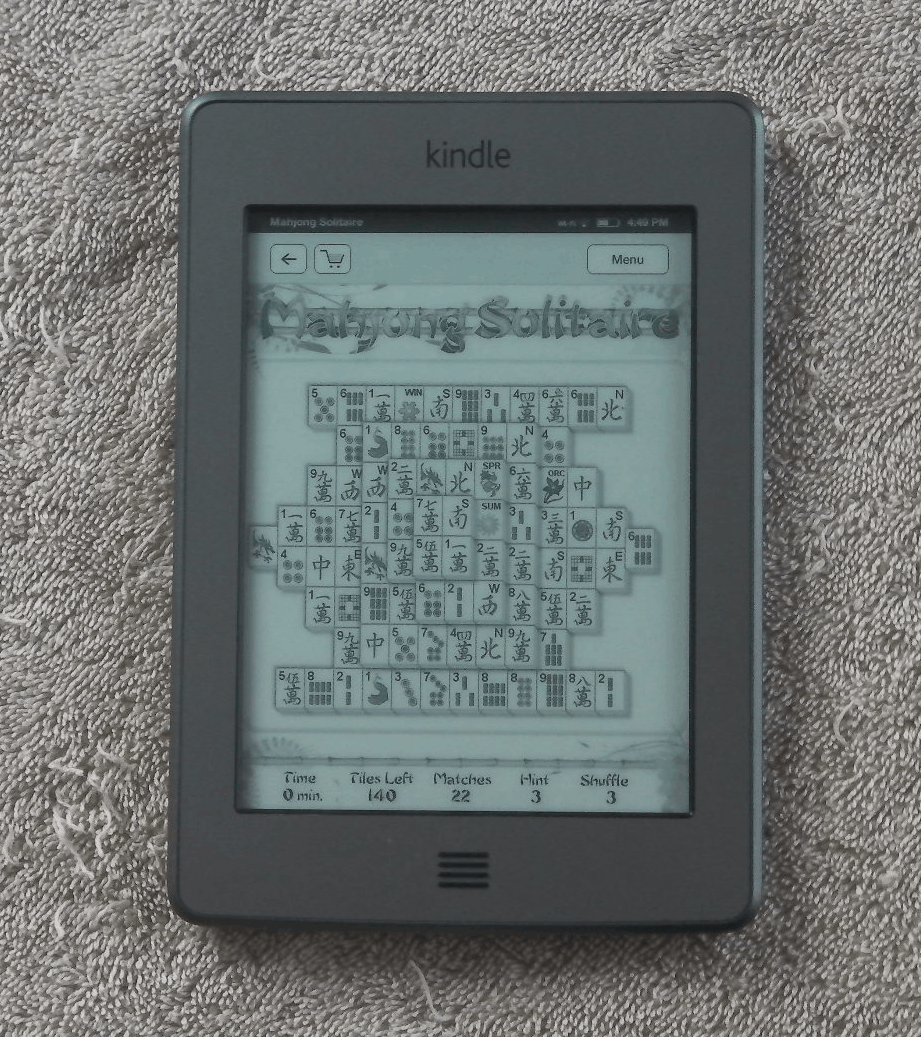
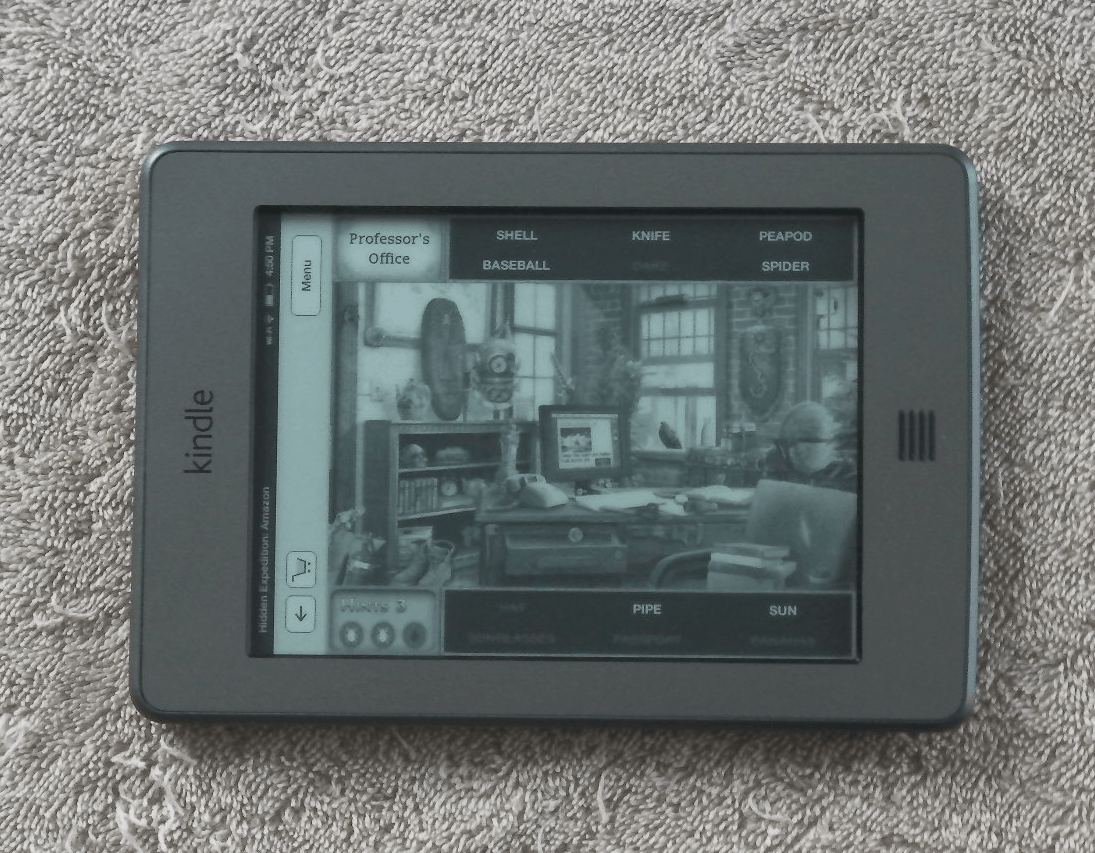
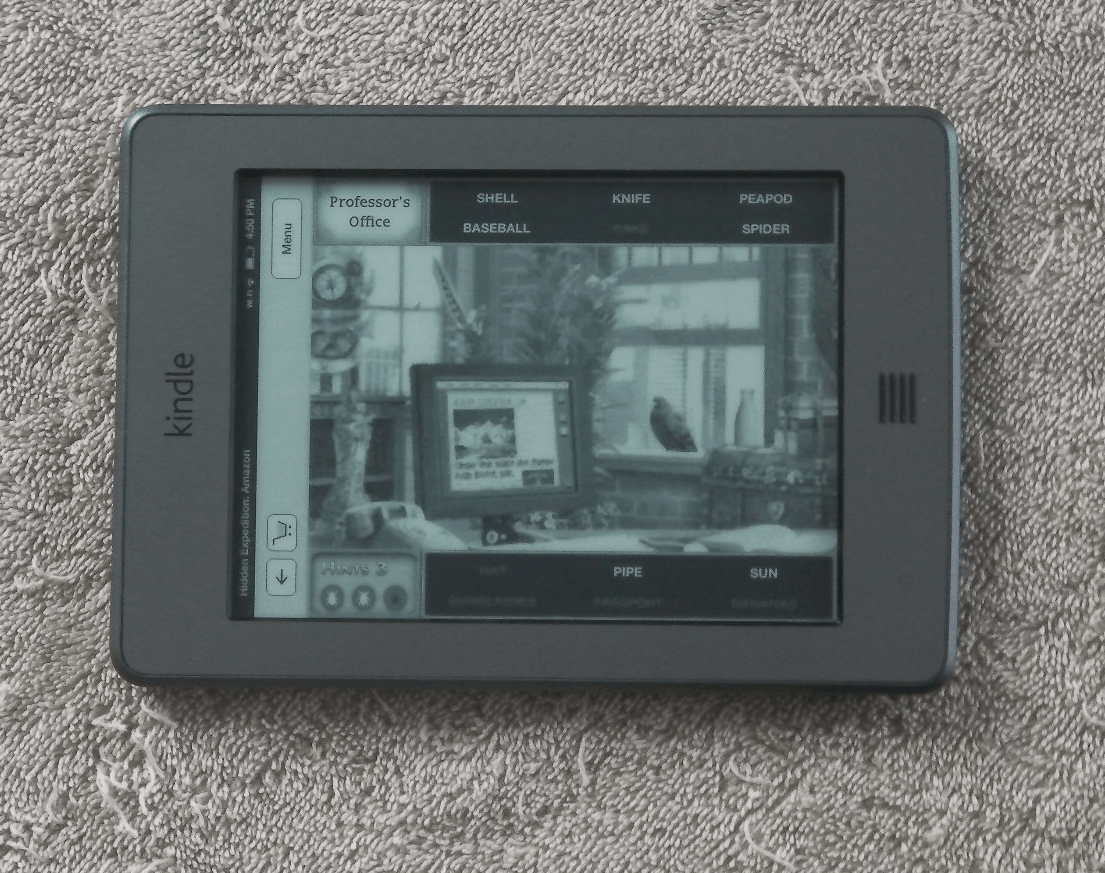
I said in my first impressions post that I liked a number of the games on the K5. This is indeed where it shines. There are a number of the Kindle games that are quite fun, and I do like how Amazon lets games use the swipe to scroll the screen as well as the inch zoom option.
In particular, I like games like Mahjong Solitaire. This is a game best played with a mouse, and that’s why it works better with a touchscreen than with the d-pad (on the K3 and K4).
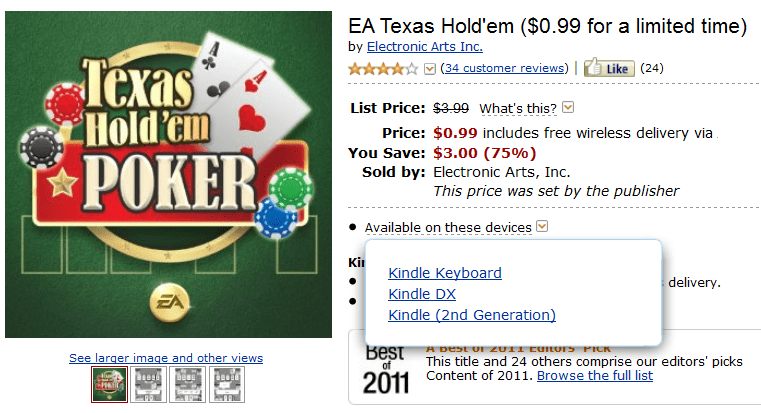
Unfortunately, not all the games work. It’s best to check to see if the game is compatible before you buy it. But that is easy to do. As you can see in the screenshot at right, Amazon tracks apps based on their compatibility with specific Kindles.
Opinion
This is a nice ereader, but it still has tradeoffs. If you buy it you should first weigh what it loses vs what it gains. For example, it has more storage than the K4, but it lacks the language support. It has a touchscreen, but it loses the keyboard and the 3G web browsing found on the K3. And the web browser gains some features but also loses others.
But it is a well functioning device, and it’s a solid middle of the road ereader. While it’s not the best ereader on the market, it’s also not the worst. I haven’t found any worrisome signs that might turn me against the device (like the touchscreen issues on the Kobo Touch).
All in all, I have to say that the touchscreen is what makes the K5 worthwhile. Between PDFs, reading, games, and the web browser, Amazon actually put a fair amount of work into integrating the touchscreen. It’s much more useful than I expected going in.
Specs
- 6″ Pearl E-ink screen (800×600)
- 16 levels of grayscale
- IR touchscreen (Neonode zForce)
- 3.2GB Flash storage
- Wifi, 3G
- speakers, headphone jack
- ebook support: AZW, TXT, PDF, MOBI, PRC
- audio support: , Audible, mp3
- Dimensions: 4.7 in x 0.4 in x 6.8 in
- Weight 7.5 oz



No Comments