Review: Polaroid PMID701 Android Tablet

Polaroid’s second 7″ Android tablet hit the market about 2 weeks ago and I got it the morning it was available.
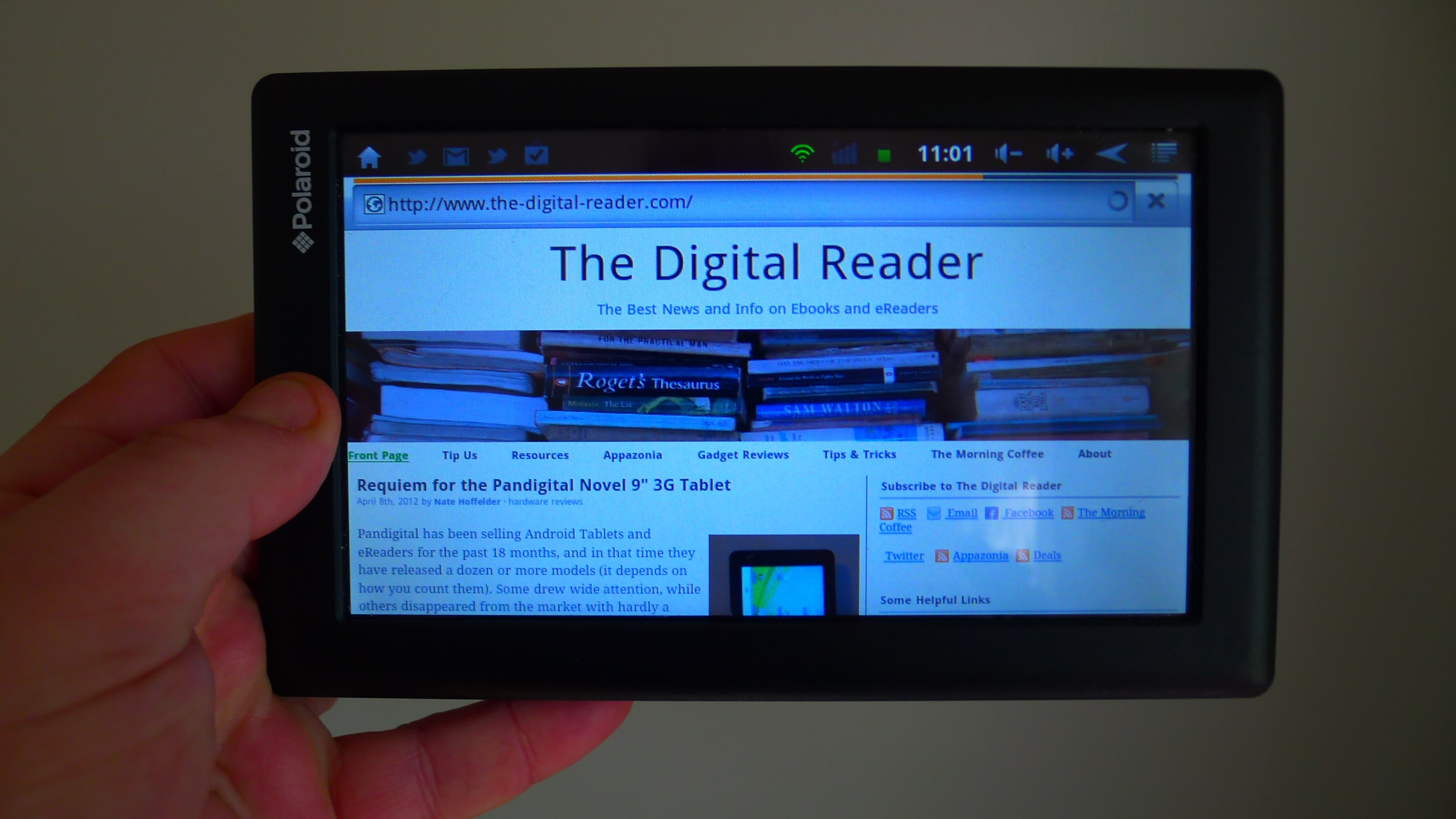
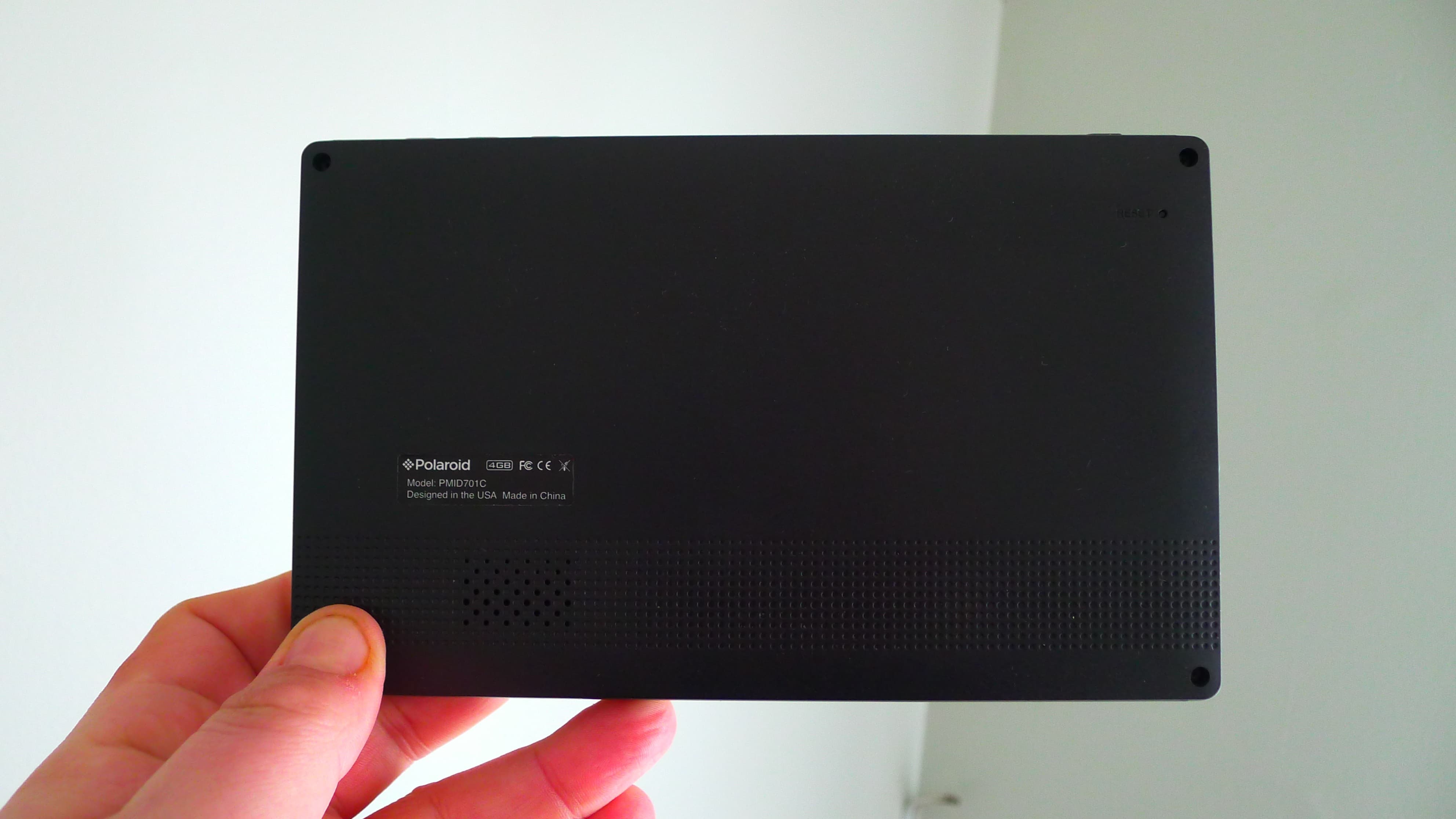
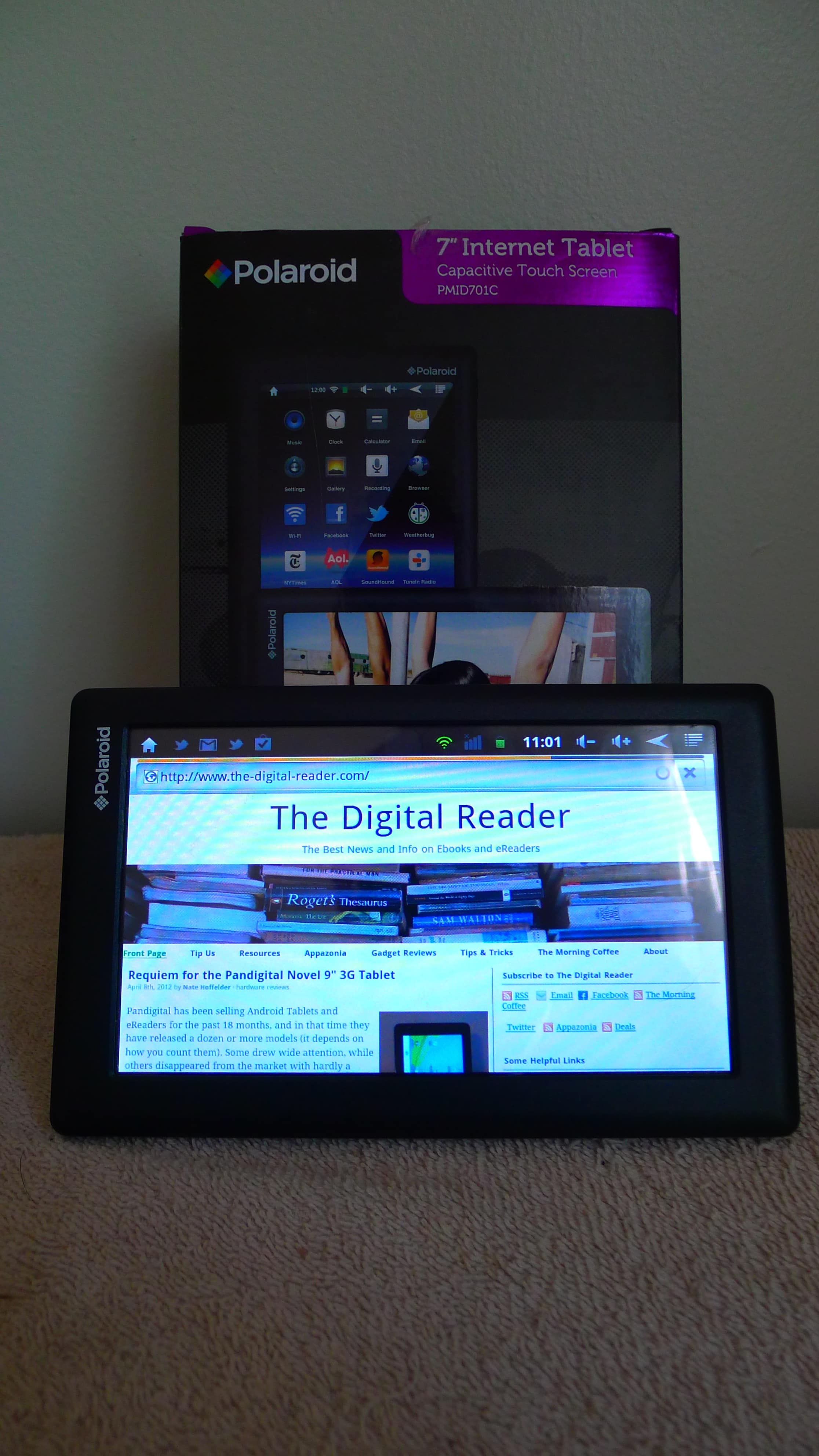
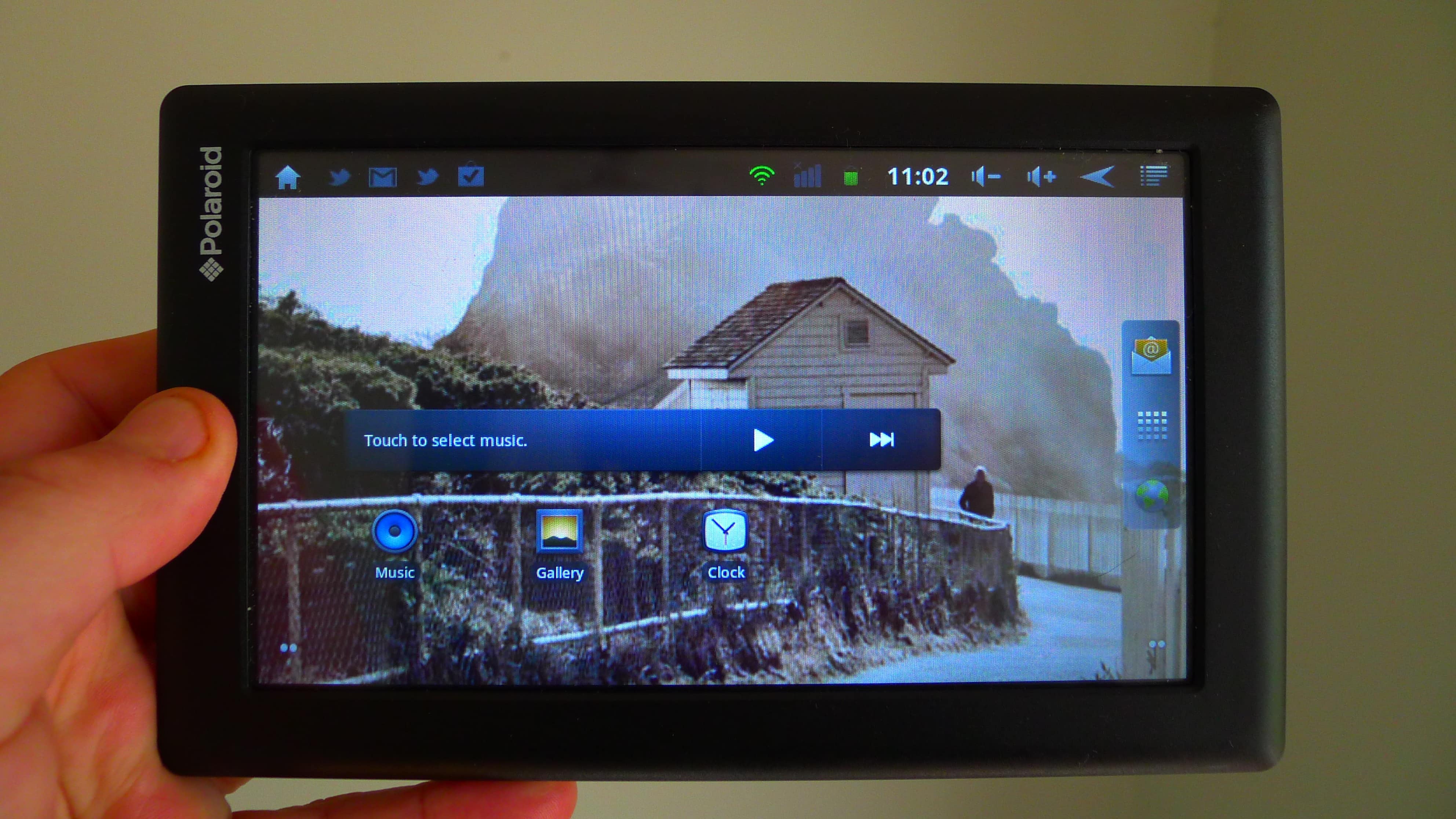
This is a rather ordinary black slab of a tablet with a 7″ capacitive touchscreen, 4GB Flash storage, microSD card slot, g-sensor, speaker/mike, and a TV out port (no cable is included). It’s running Android 2.3 Gingerbread on a 1GHz CPU.
Update: There’s now a later version of this tablet with Android 4.0. The hardware is the same and the hack works fine.
It doesn’t have Bluetooth or a camera, which puts it solidly mid-field for $99 tablets.
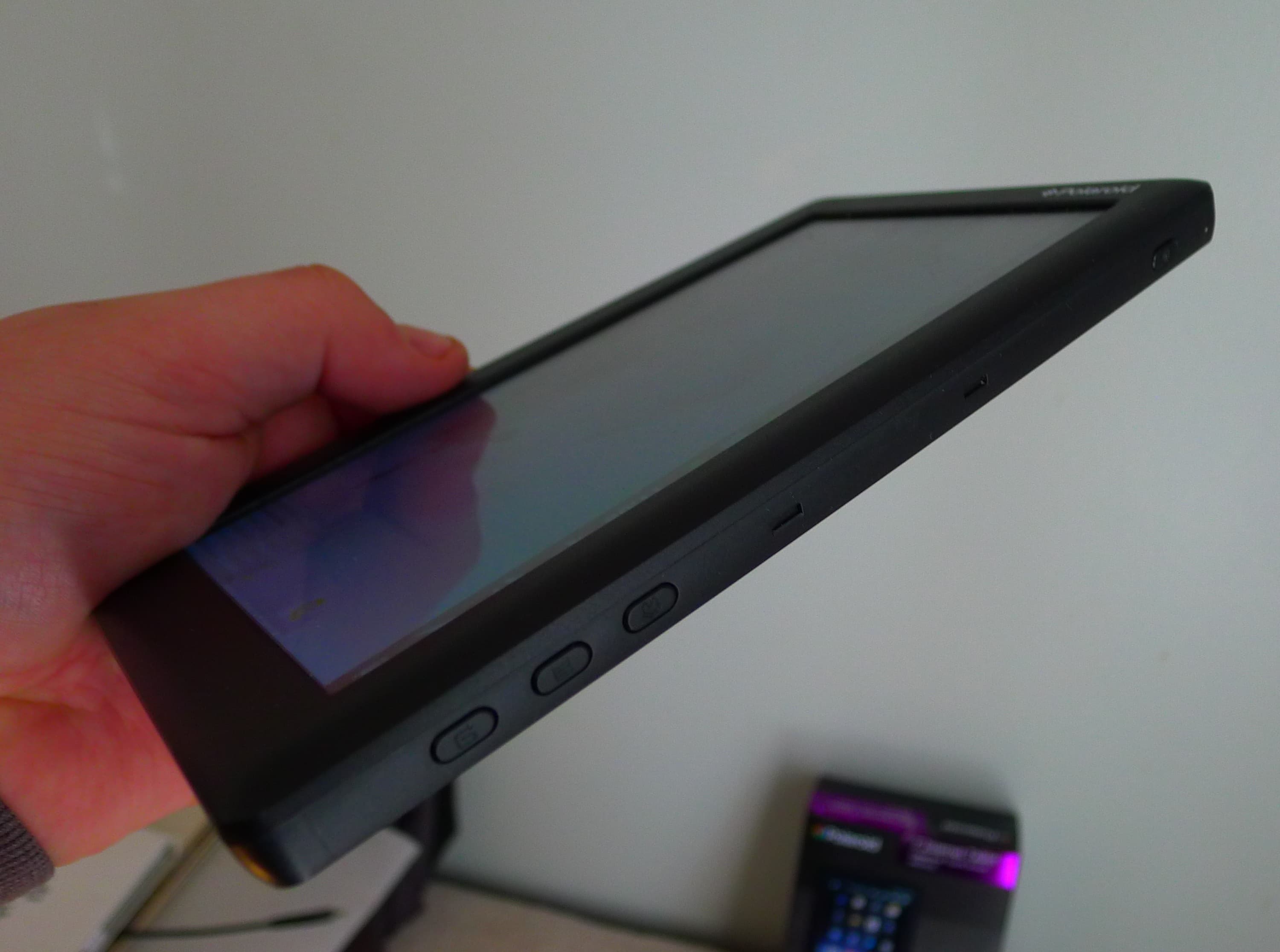
The speaker is on the back, with the microphone alone on the one long side. All the ports and slots are found on the upper short side, with the power, home, back, and menu are on the right edge. The general build quality is good. The screen is responsive, and I had a minimal number of miss-touches.
Apps
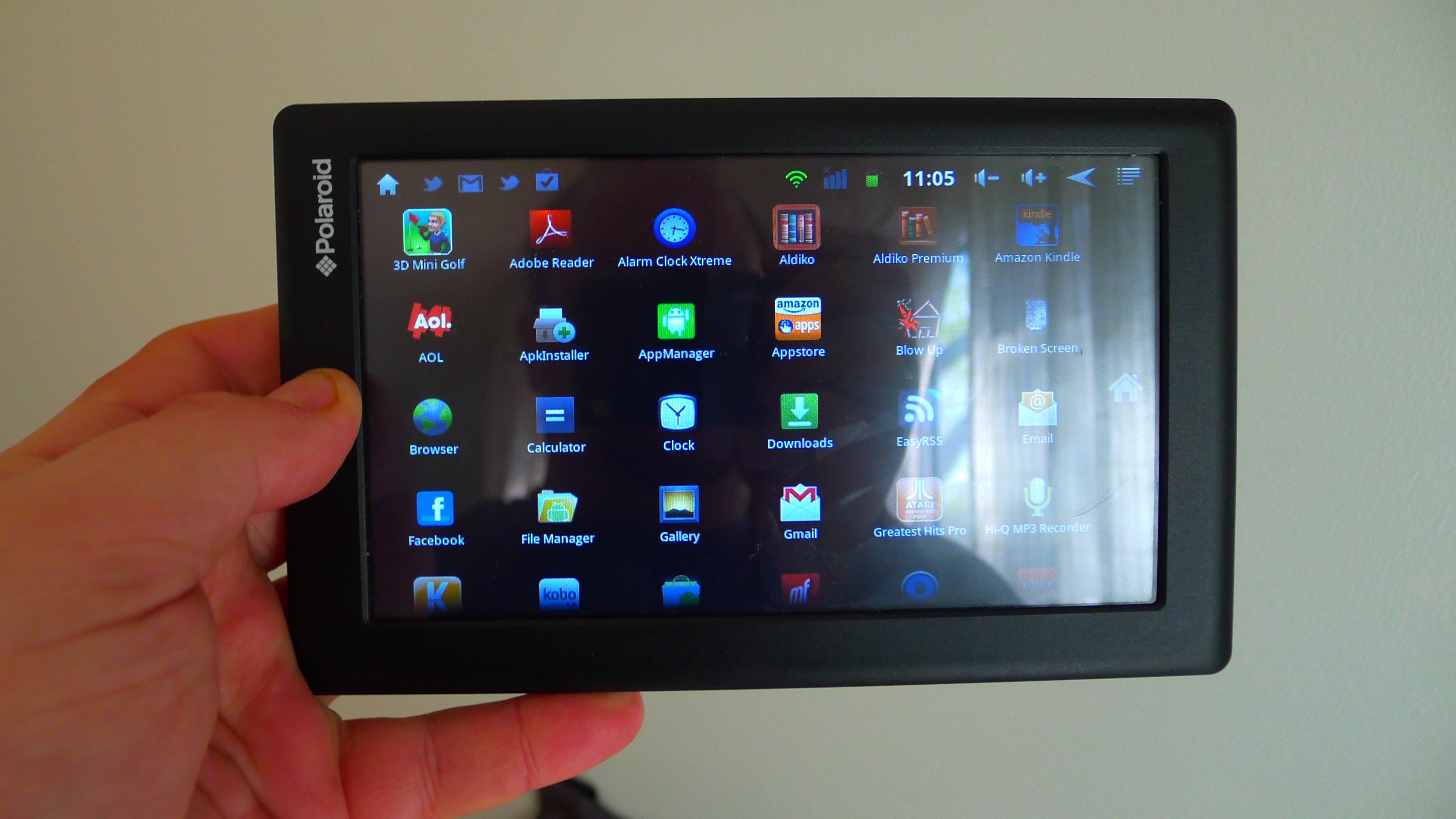
The PMID701 comes with a good suite of apps, including the Kobo app, but it doesn’t come with Google Play or the Amazon app store. That puts it at something of a disadvantage when compared to the other good budget tablets like the IdolPad ($99, 7″, ships with Google Play).
I really wasn’t happy with the apps that came on the device; the Twitter and email apps were rather poor. Luckily for me there’s a hack which makes it possible to install Google Play. That radically changes my opinion of this tablet, making it one of the better ones in this price range.
Angry Birds loaded and played just fine. So did the Youtube app, which loaded several clips and played them without trouble.The stock media player is worth replacing, but it played video files without dropping frames. Audio was quiet and missed some of the subtleties, but it worked adequately (this is a budget tablet after all).
User Experience
If you get this tablet, don’t expect it to be more than a basic tablet. But as a basic tablet it is a decent one. I have found that the only place where it comes up short is in the hardware it lacks.
It has no volume buttons. I know that is a strange complaint, but a lot of reading apps (including Aldiko, Kindle, etc) now use the volume buttons as page turn buttons. That makes it a lot easier to use a tablet to read on. And this isn’t limited to just reading apps; some of the feed readers and aggregators also use the volume buttons in clever ways.
All in all, this tablet is as good as the IdolPad, another $99 Android tablet.
Battery
I didn’t get a chance to take this tablet on a trip, which is my preferred way to test the battery life. But I have been using it as my main tablet for these past 2 weeks.I didn’t have any issues with the battery mysteriously draining (like on some other cheap tablets).
I would estimate that the battery lasted at least a day under moderate use. That is fairly good for budget tablet, considering that a premium tablet like my 7″ Samsung GTab has only 2 days battery life under similar usage.
Specs
- 7″ capacitive touchscreen (800×480)
- 1GHZ CPU
- 4GB Flash, microSD card
- Wifi
- speaker/mike
- g-sensor
- TTS
- Video out (but no cables provided)
No Comments